Digital Tickets
Tickets have gone paperless! Use this guide to learn how to access and share your digital tickets.
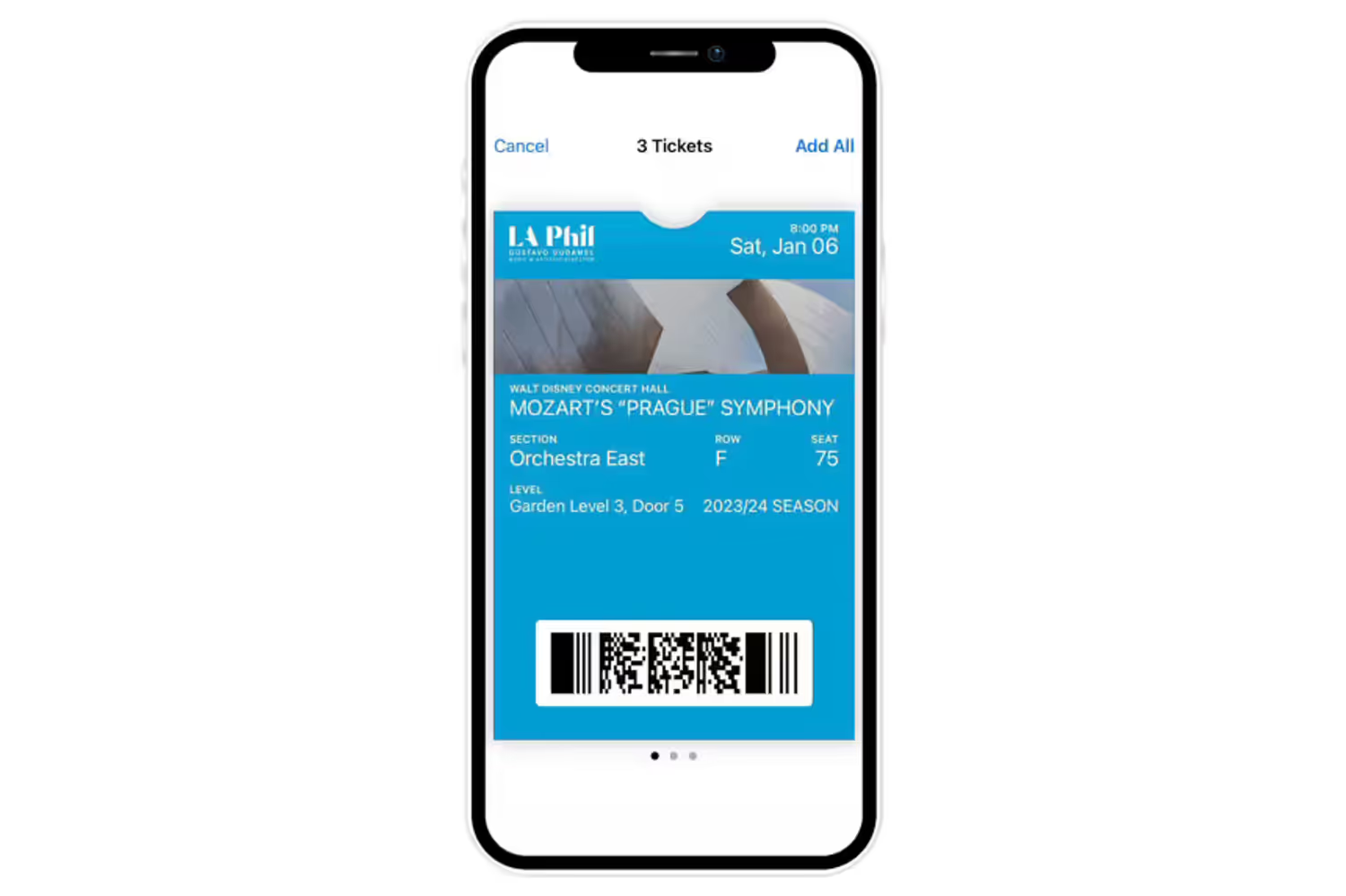
For the quickest and simplest entrance into Walt Disney Concert Hall, we strongly recommend using your phone to add tickets to Apple Wallet or Google Wallet before you arrive.
You can add your tickets to Apple Wallet or Google Wallet any time before your performance. Barcodes for Apple Wallet and Google Wallet tickets will appear automatically as soon as they become available.
You can also show barcodes in the web browser starting two weeks before your performance date.
This guide includes:
Video and step-by-step visual and text instructions for:
• Accessing your tickets
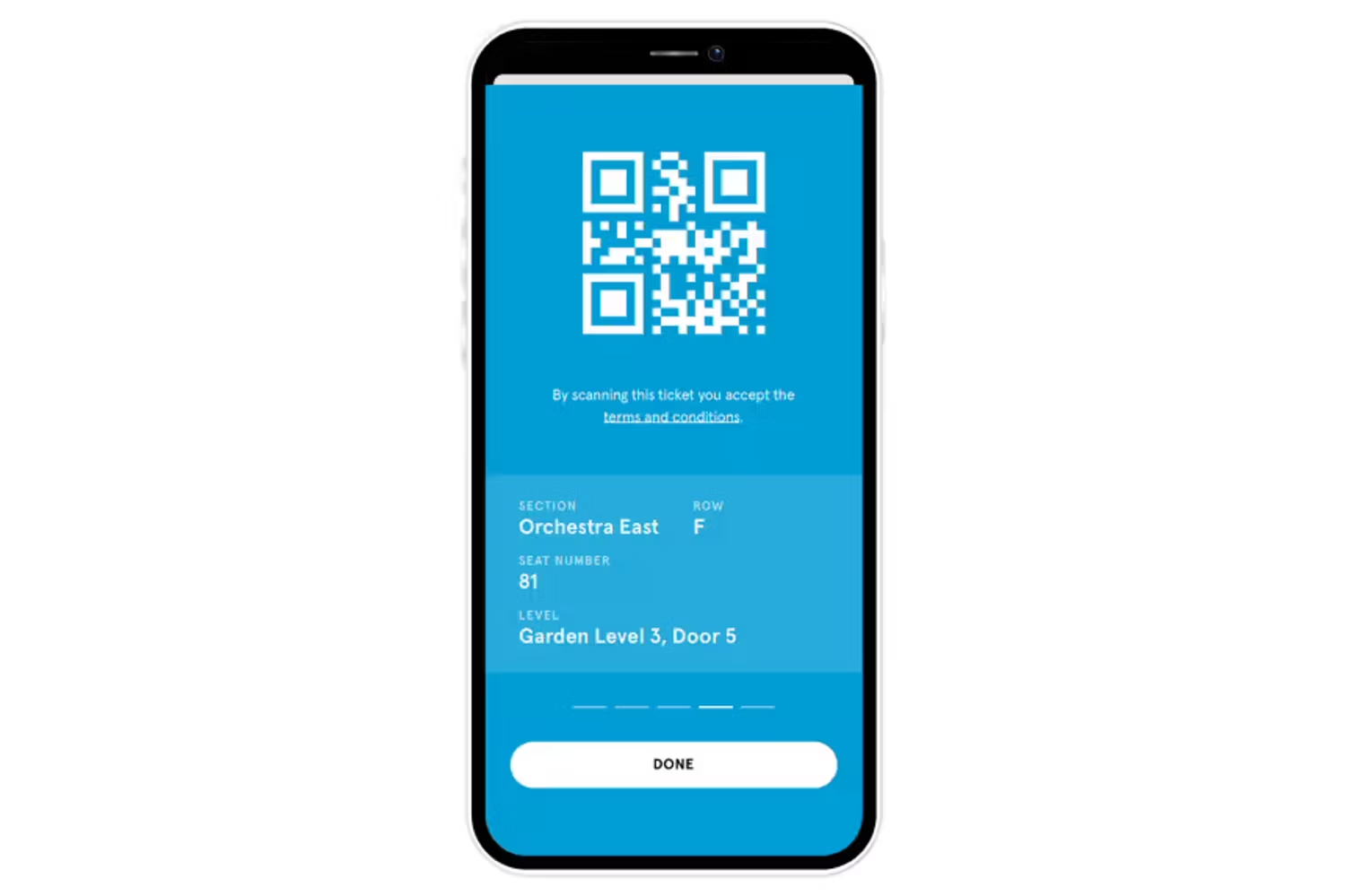
• Adding tickets to Apple/Google Wallet or as QR Code
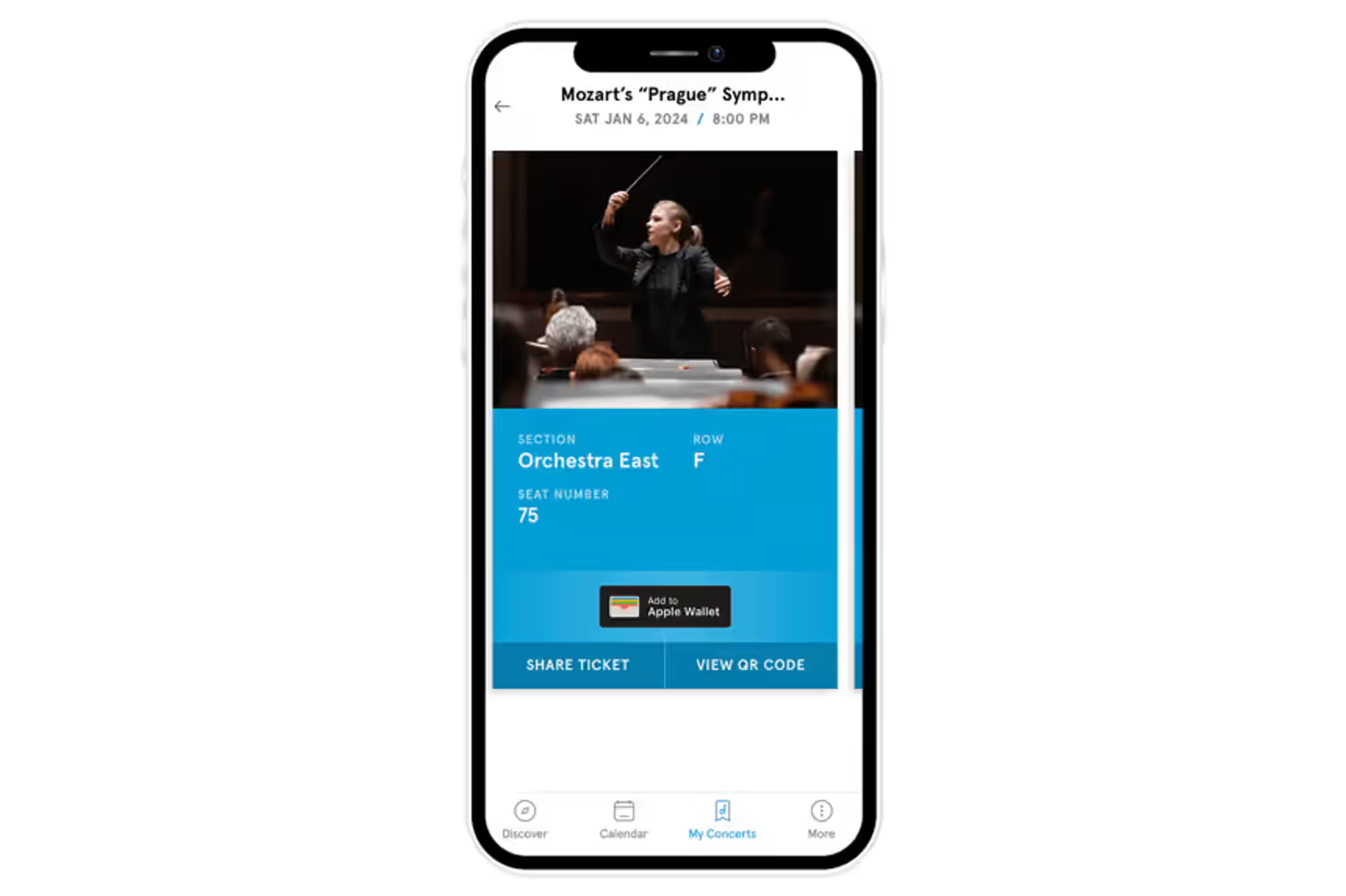
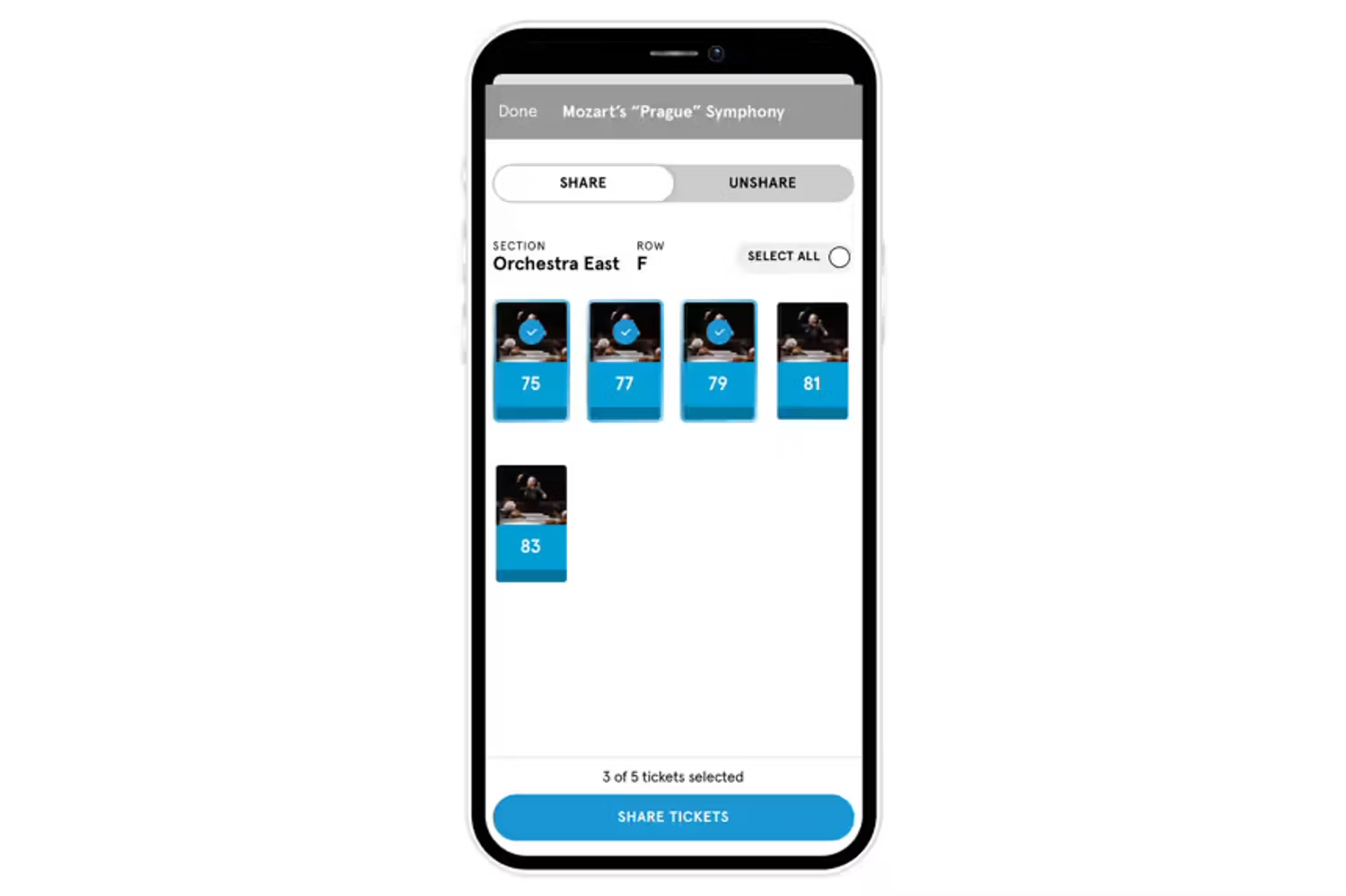
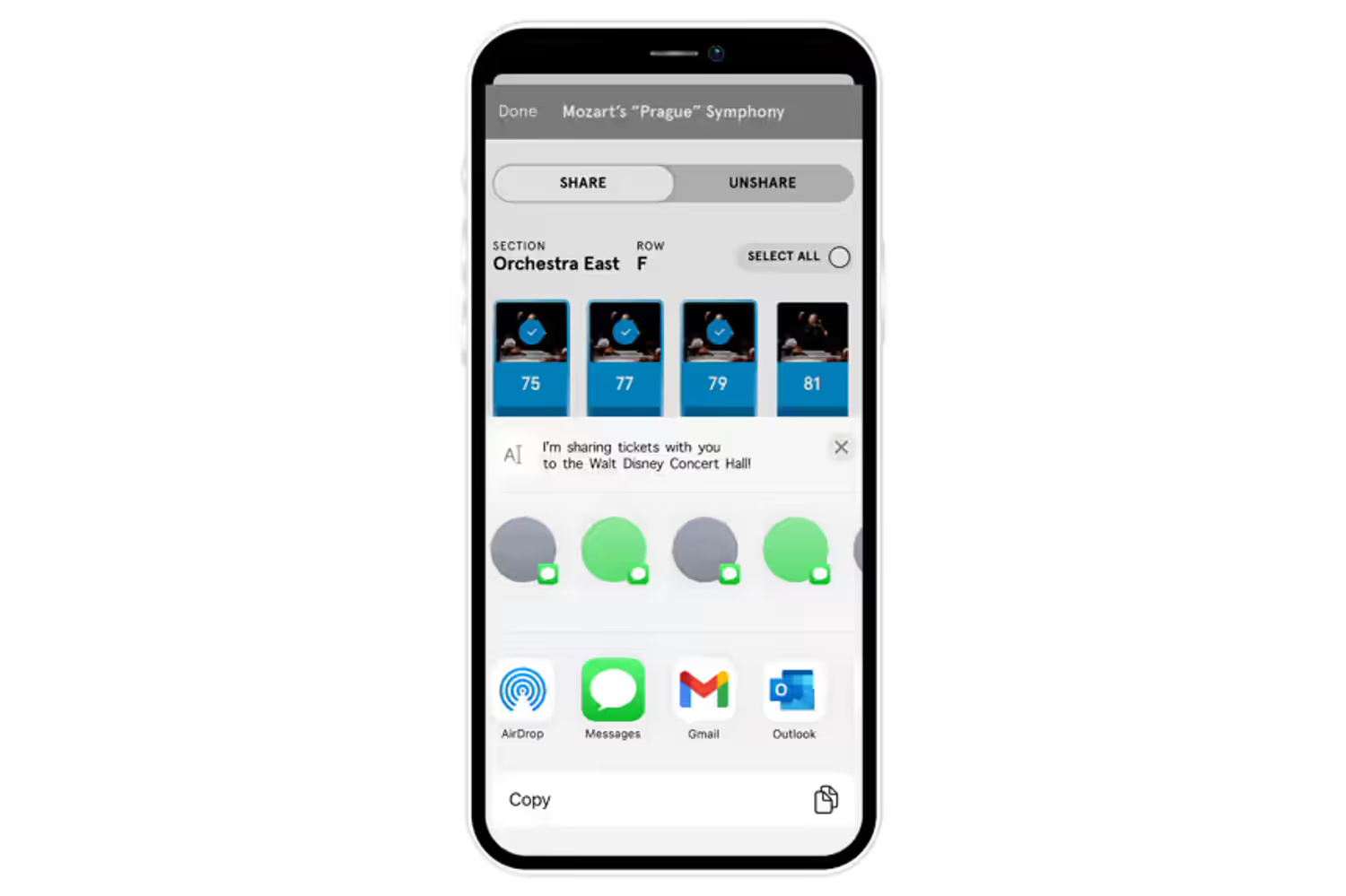
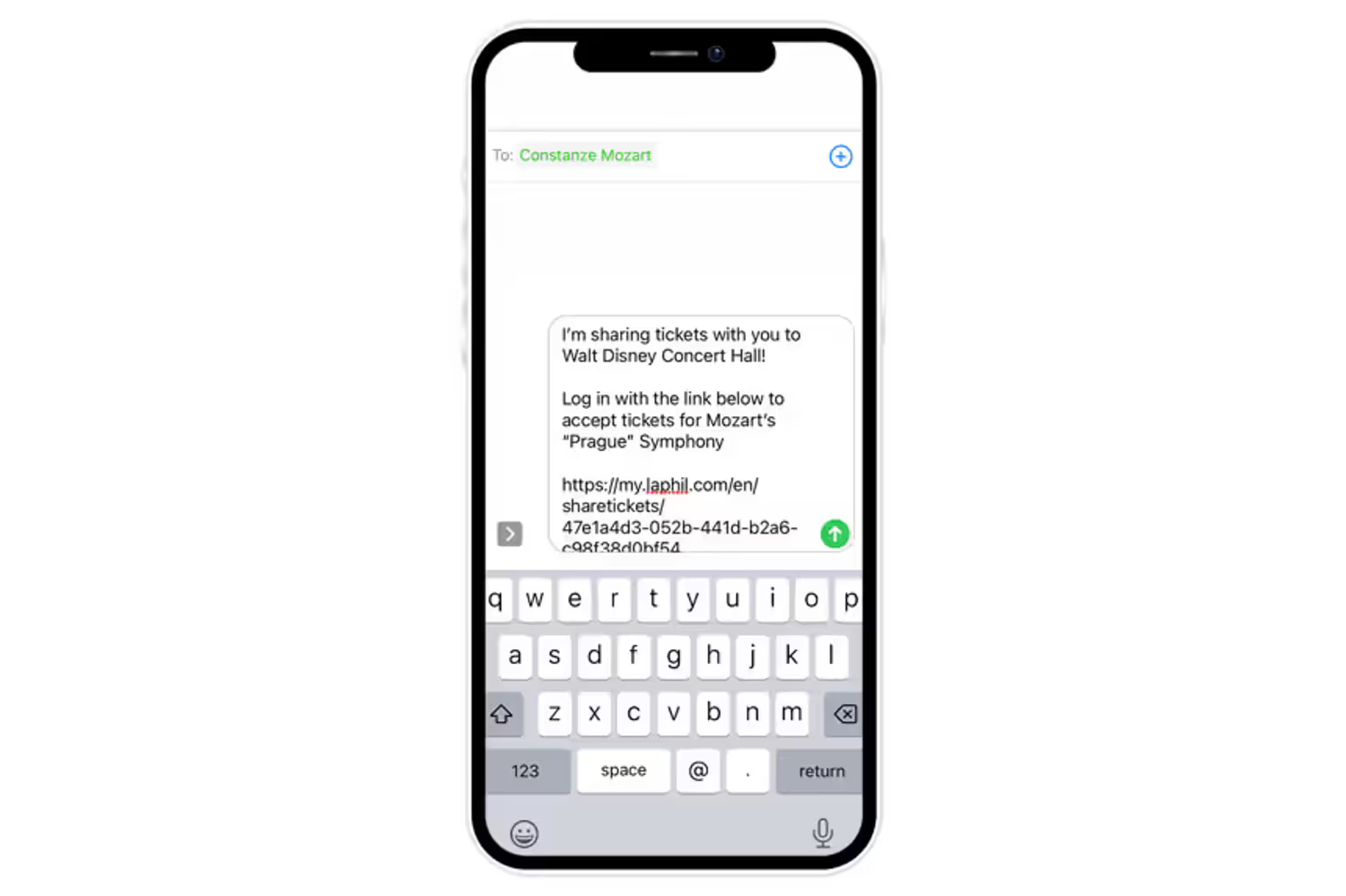
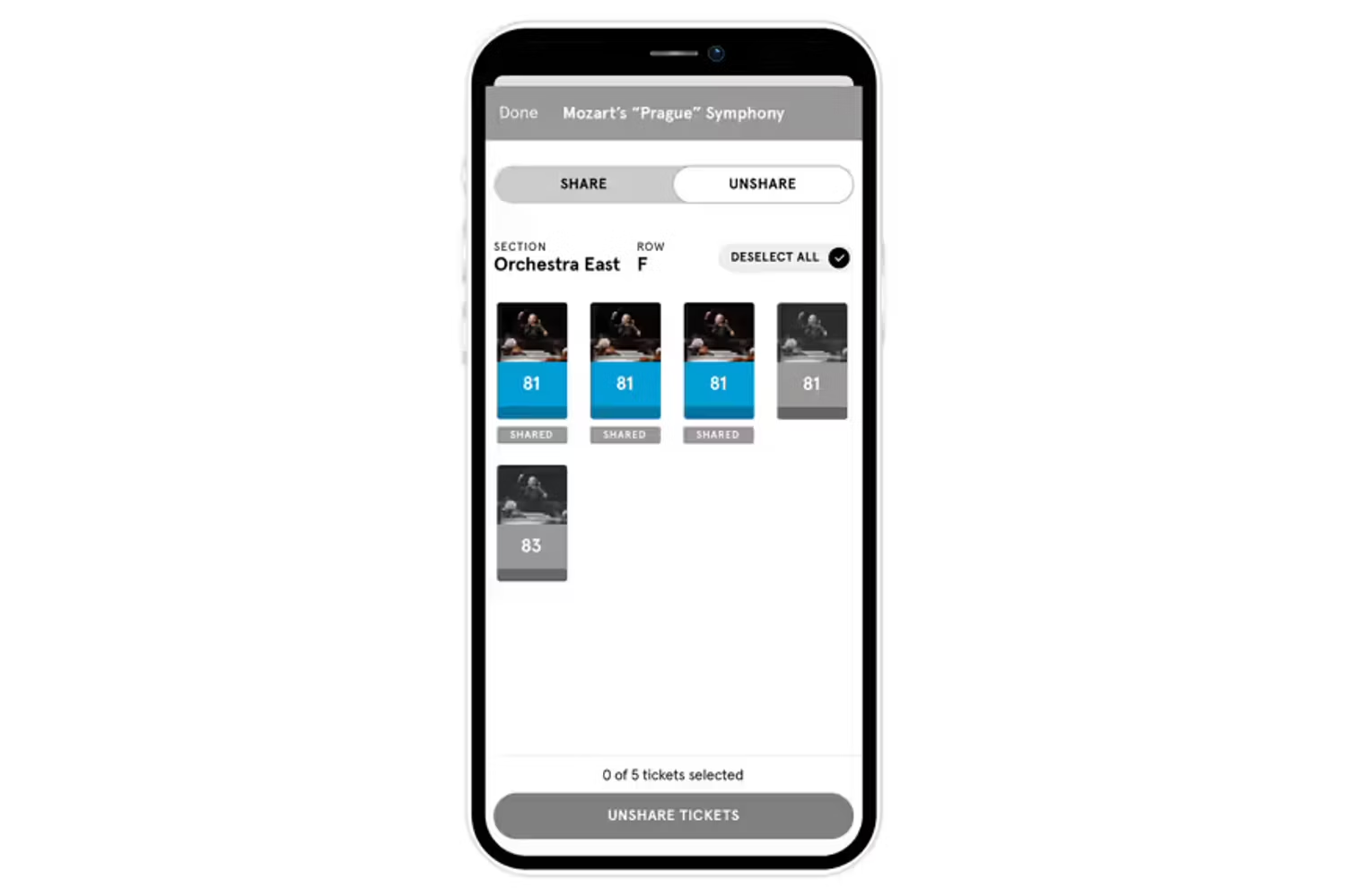
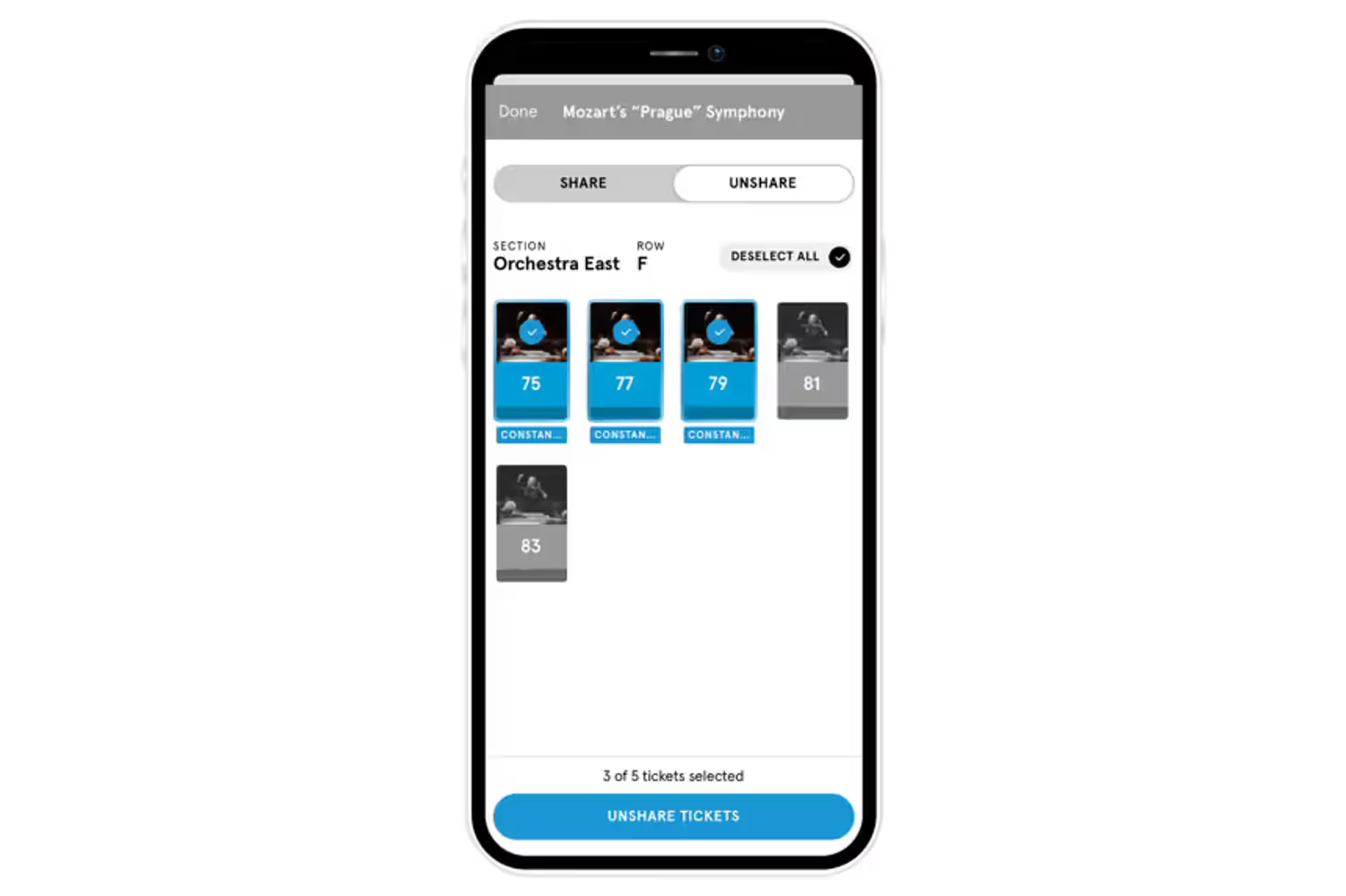
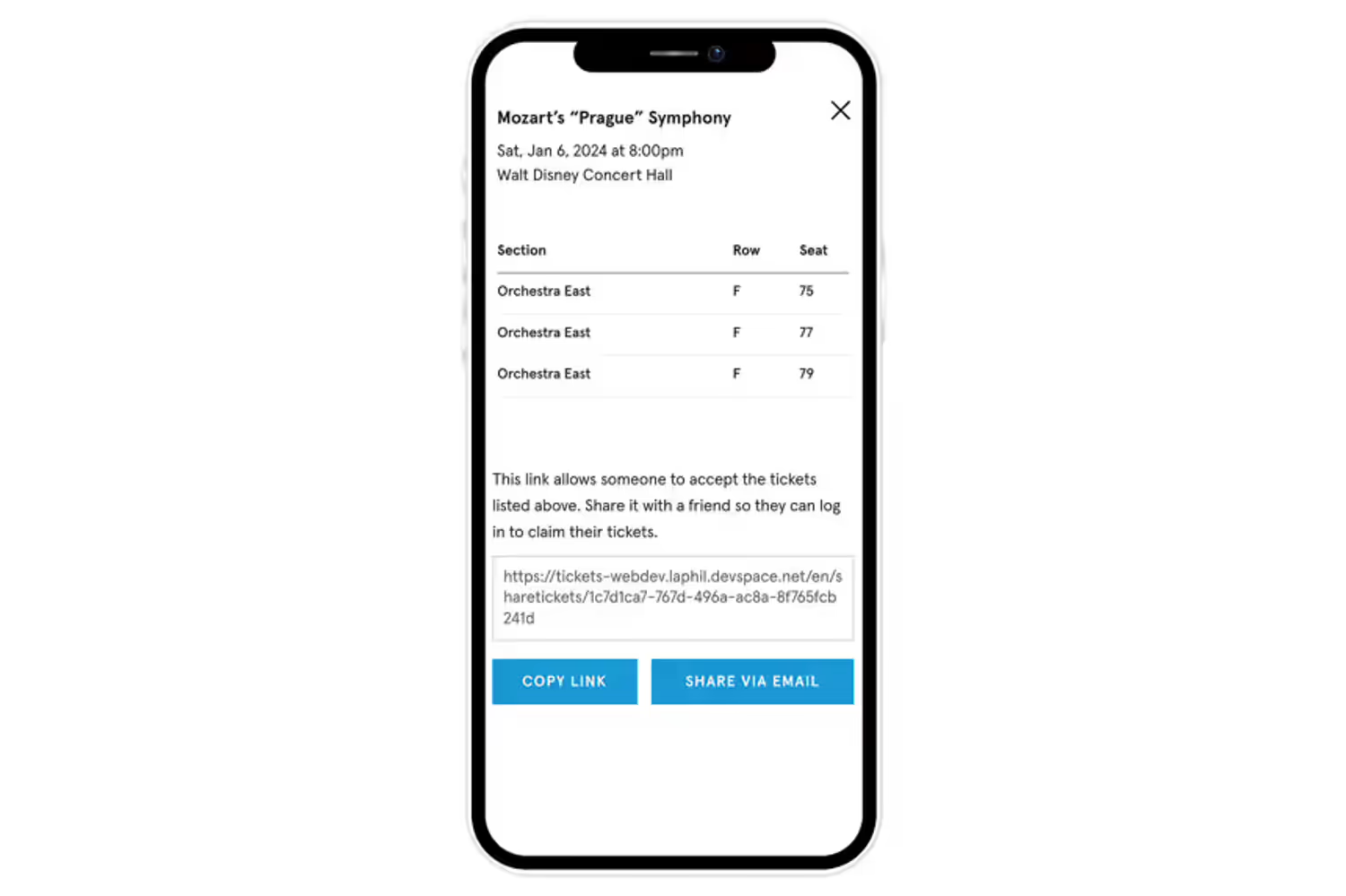
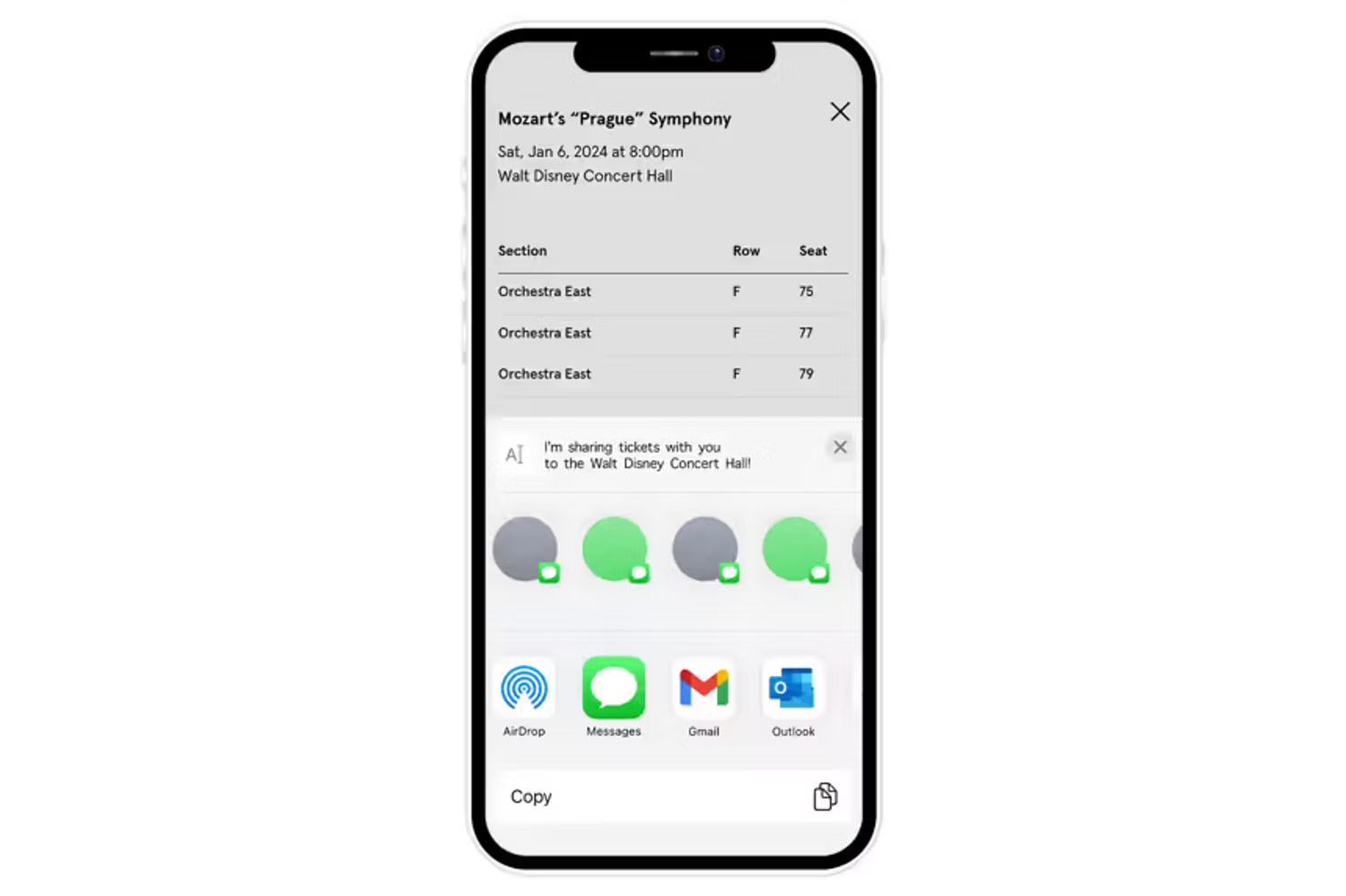
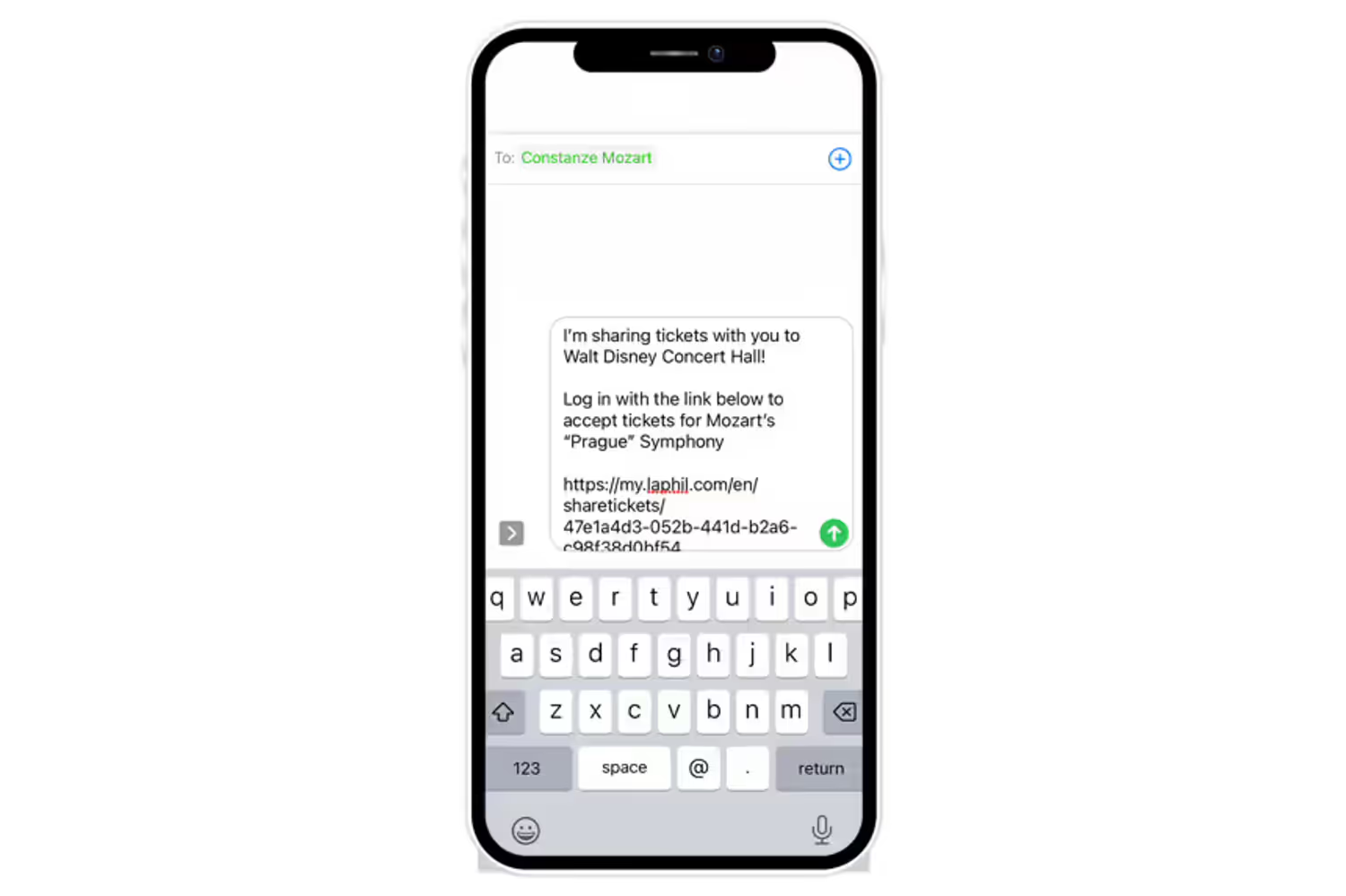
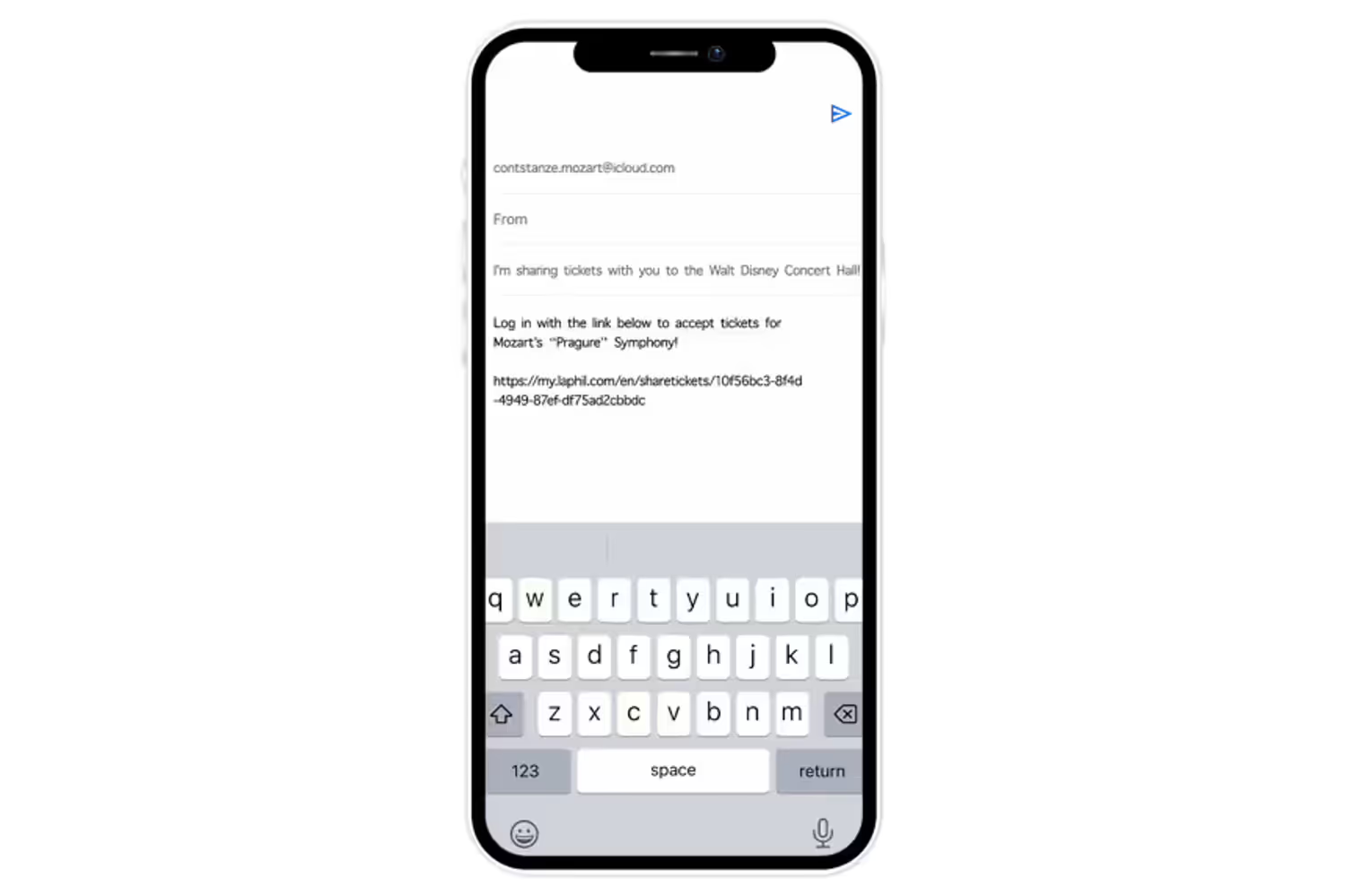
• Sharing and unsharing tickets
• Accepting a ticket shared with you

Managing Tickets with the LA Phil App
Watch the full video guide for all ticketing how-to's with the LA Phil App
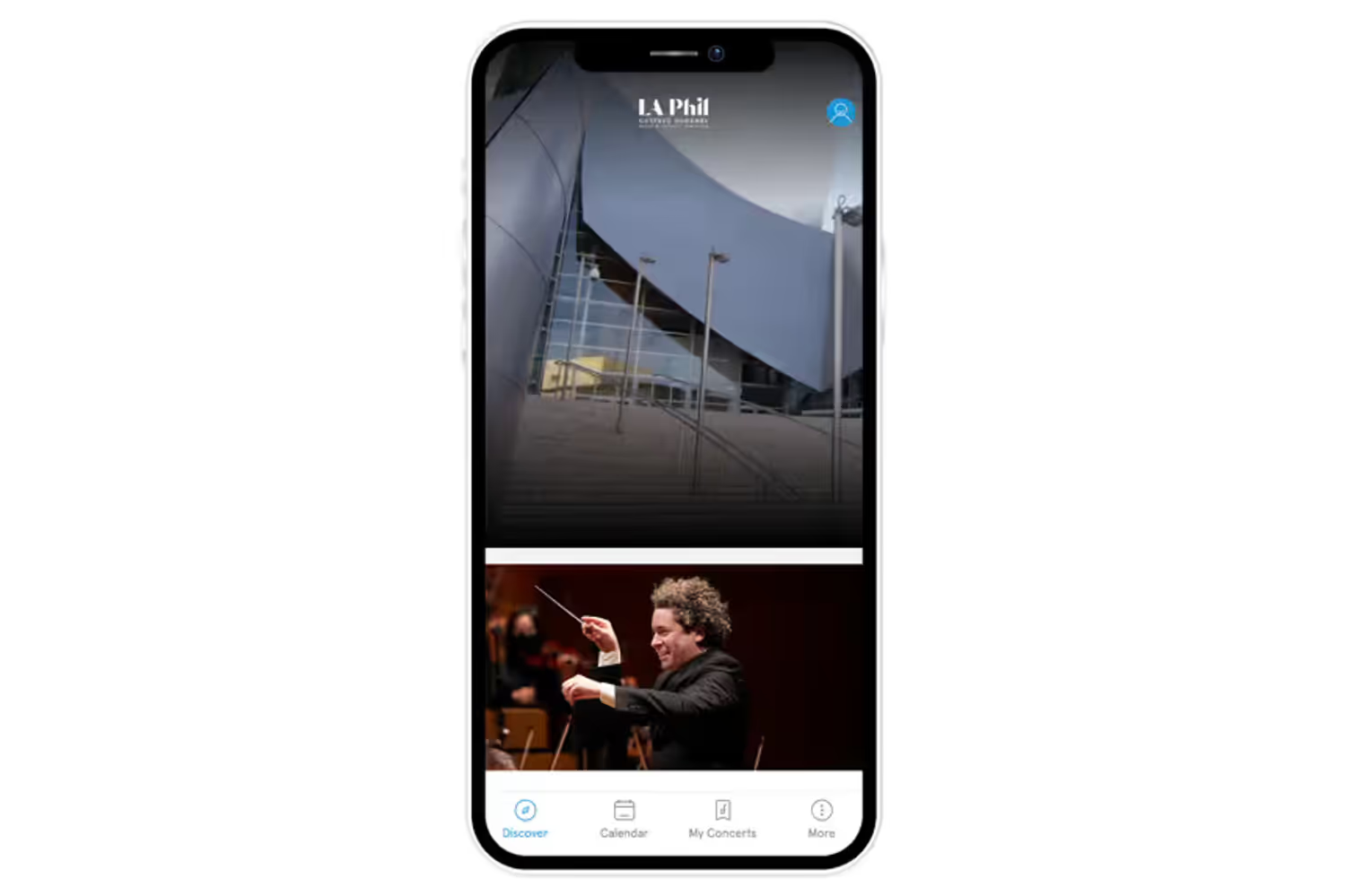
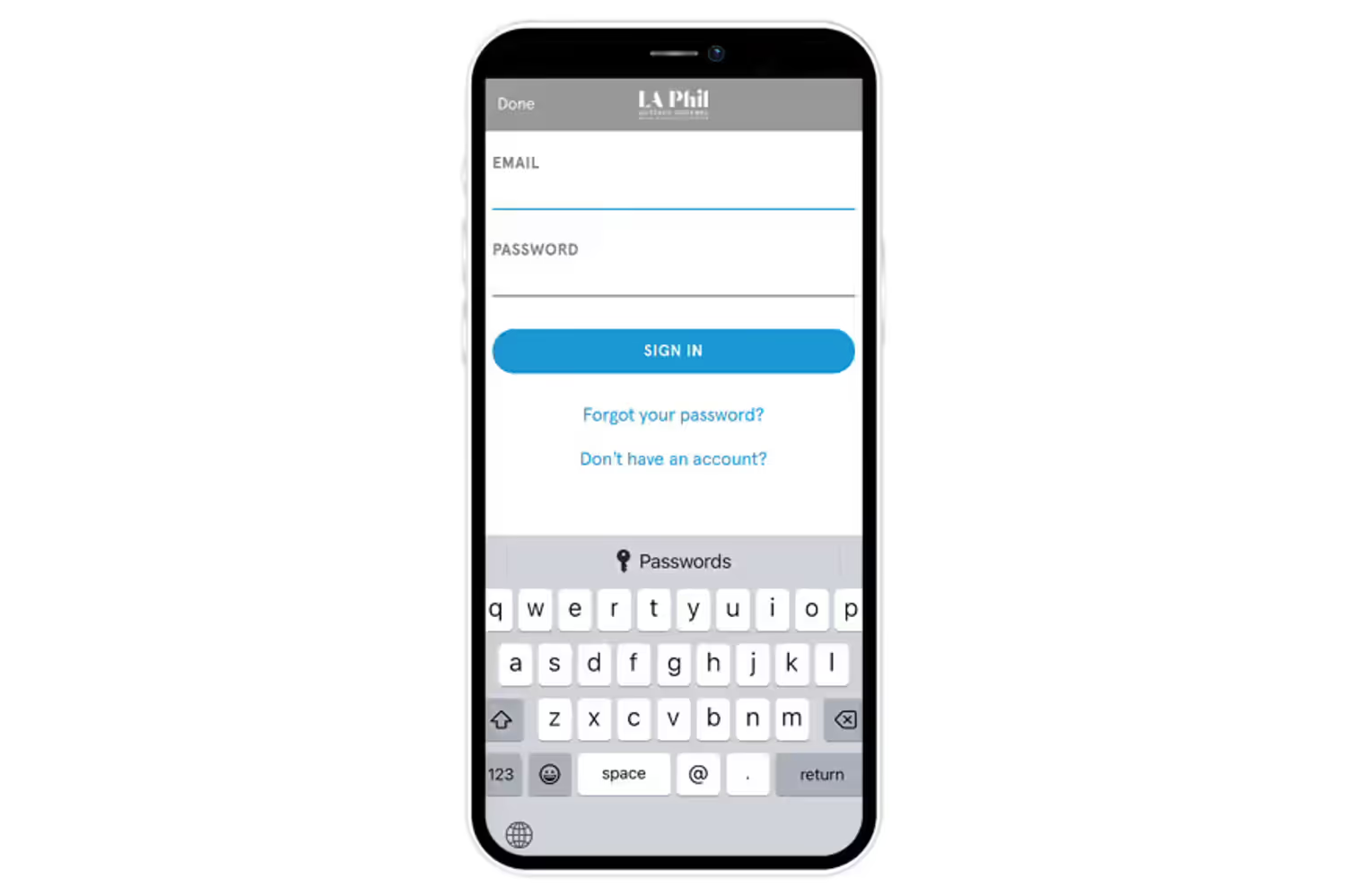
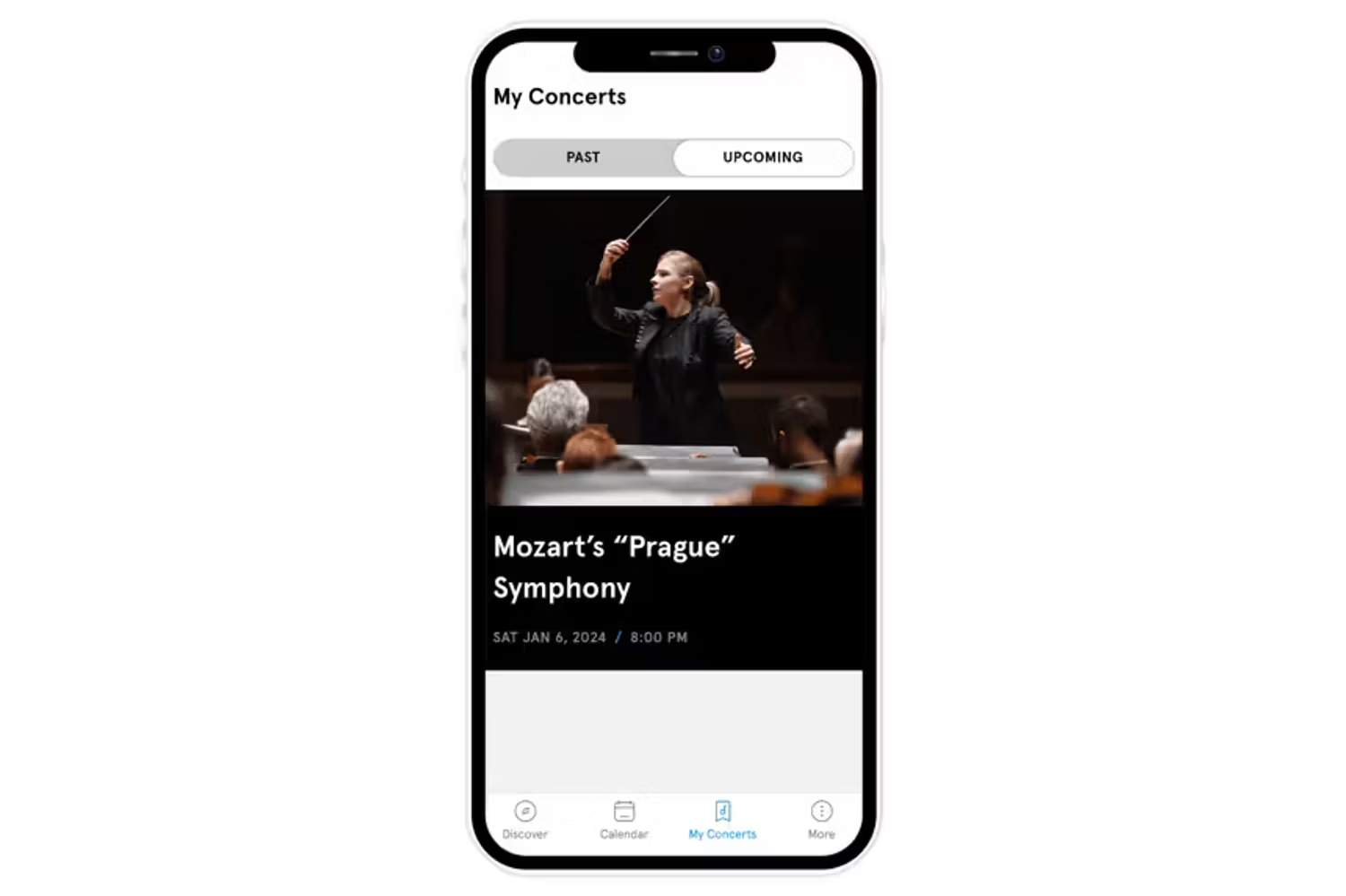
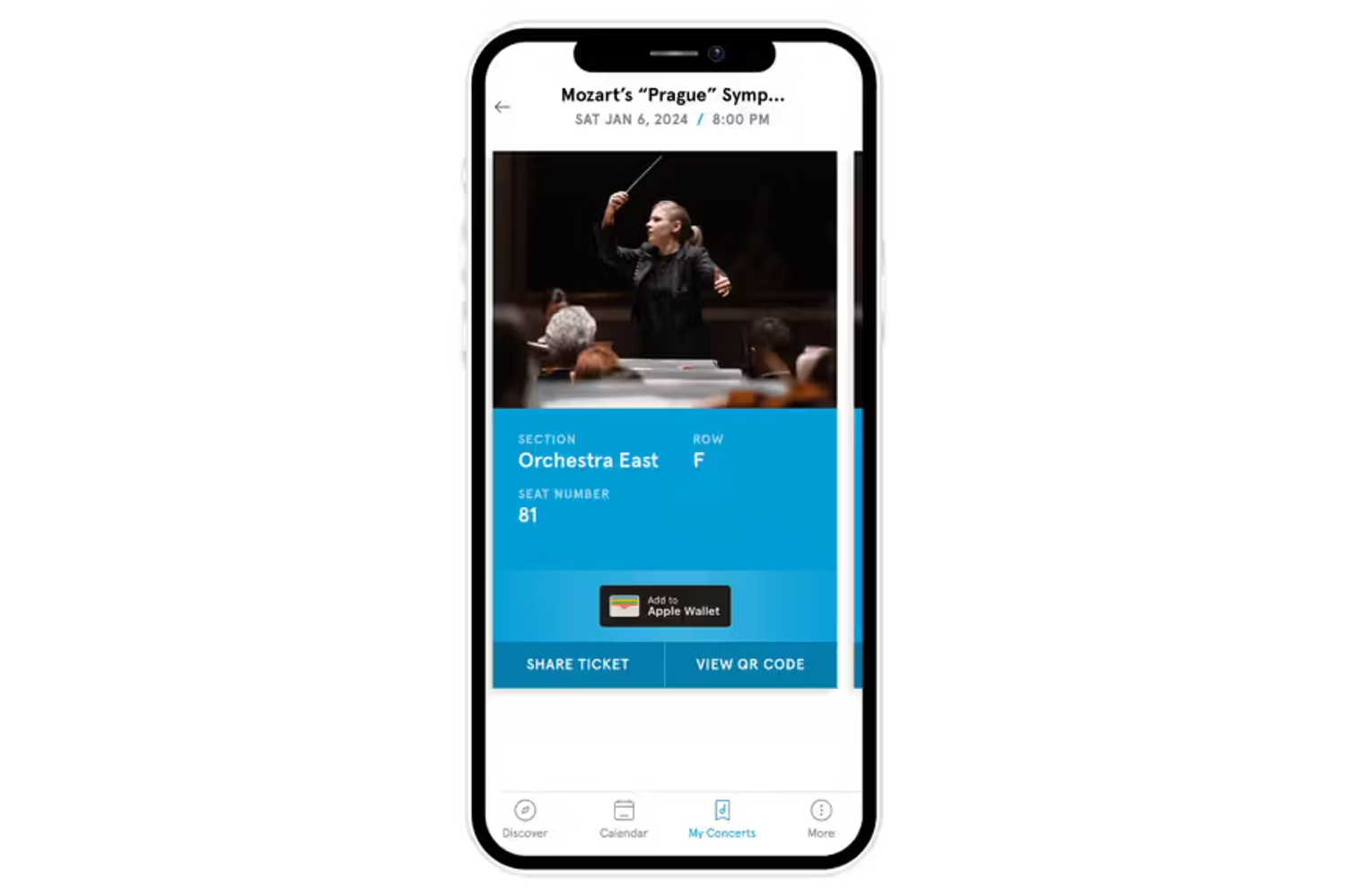
Accessing your tickets on the app
Finding your purchased tickets & adding tickets to Apple/Google Wallet or as QR code
6 Images
Sharing and unsharing tickets on the app
7 Images

Managing Tickets with the LA Phil Website
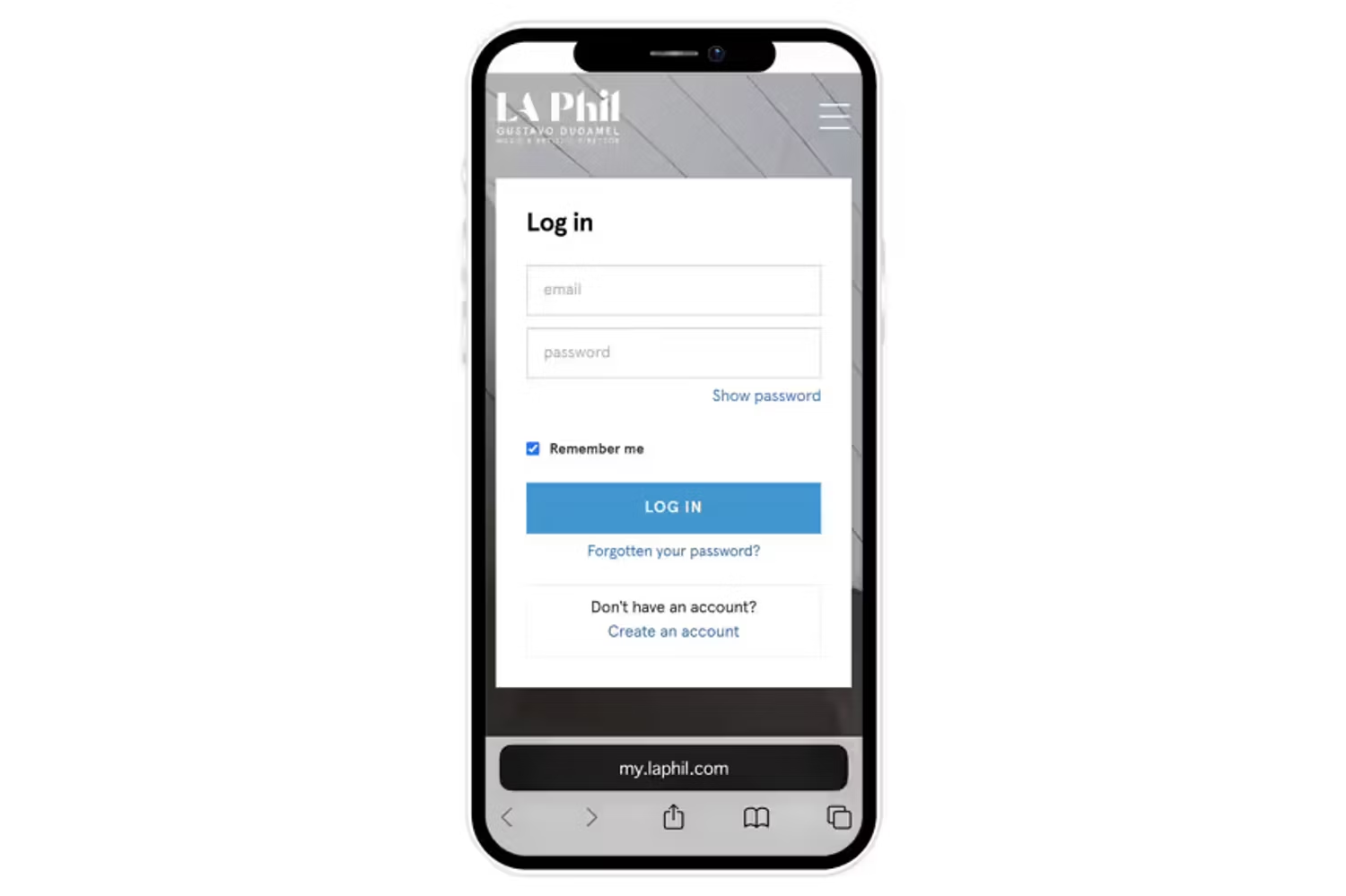
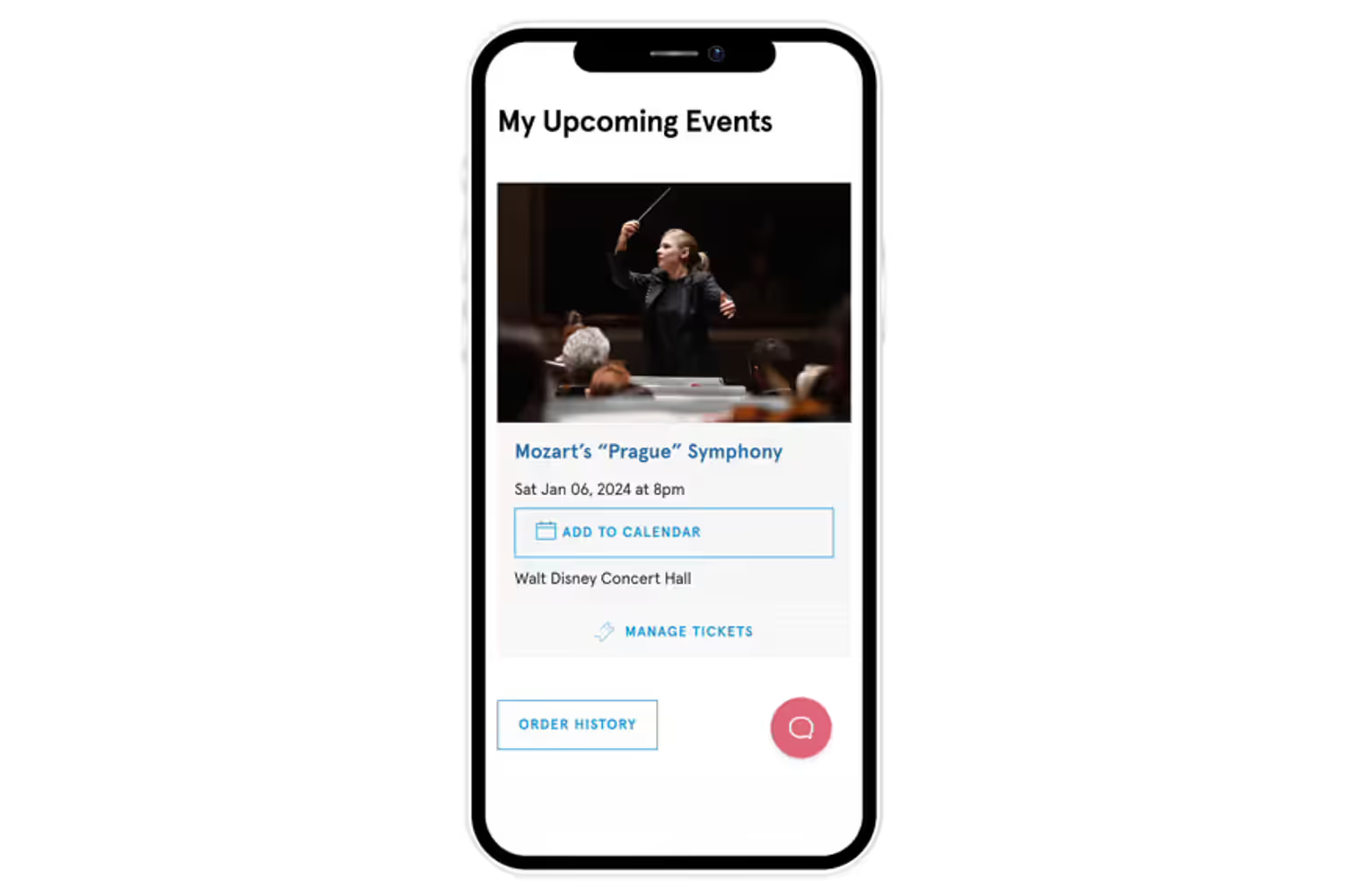
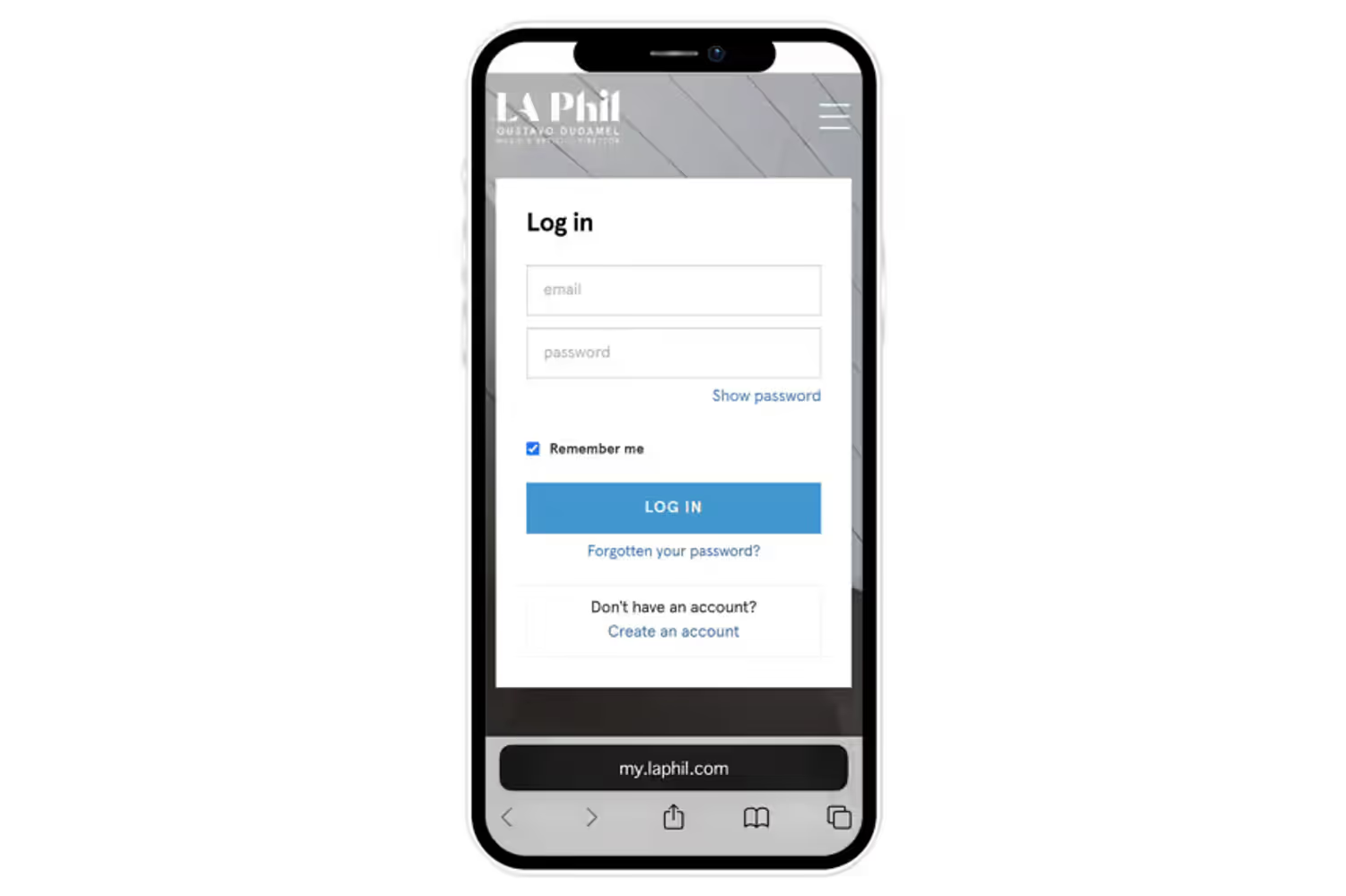
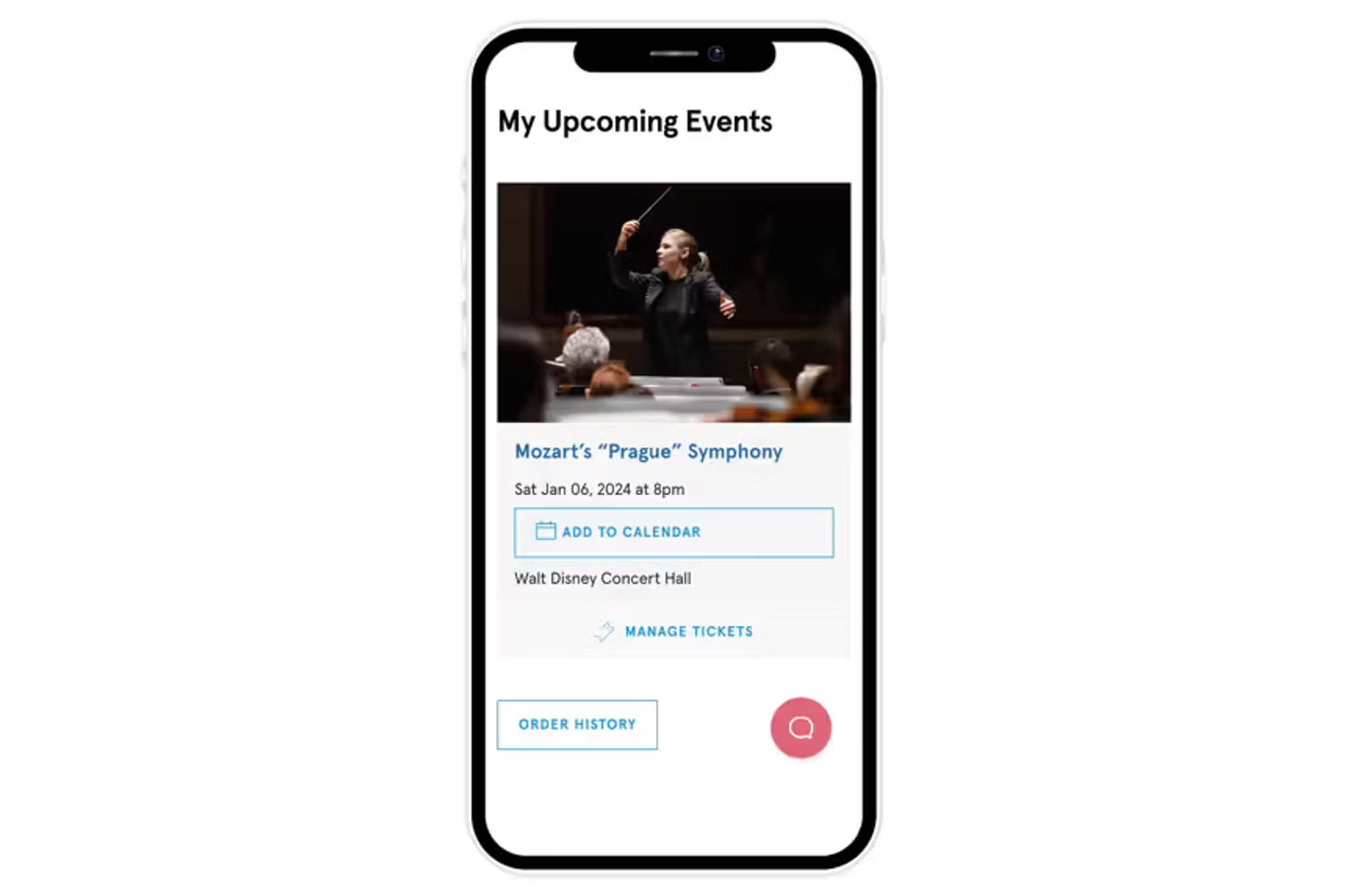
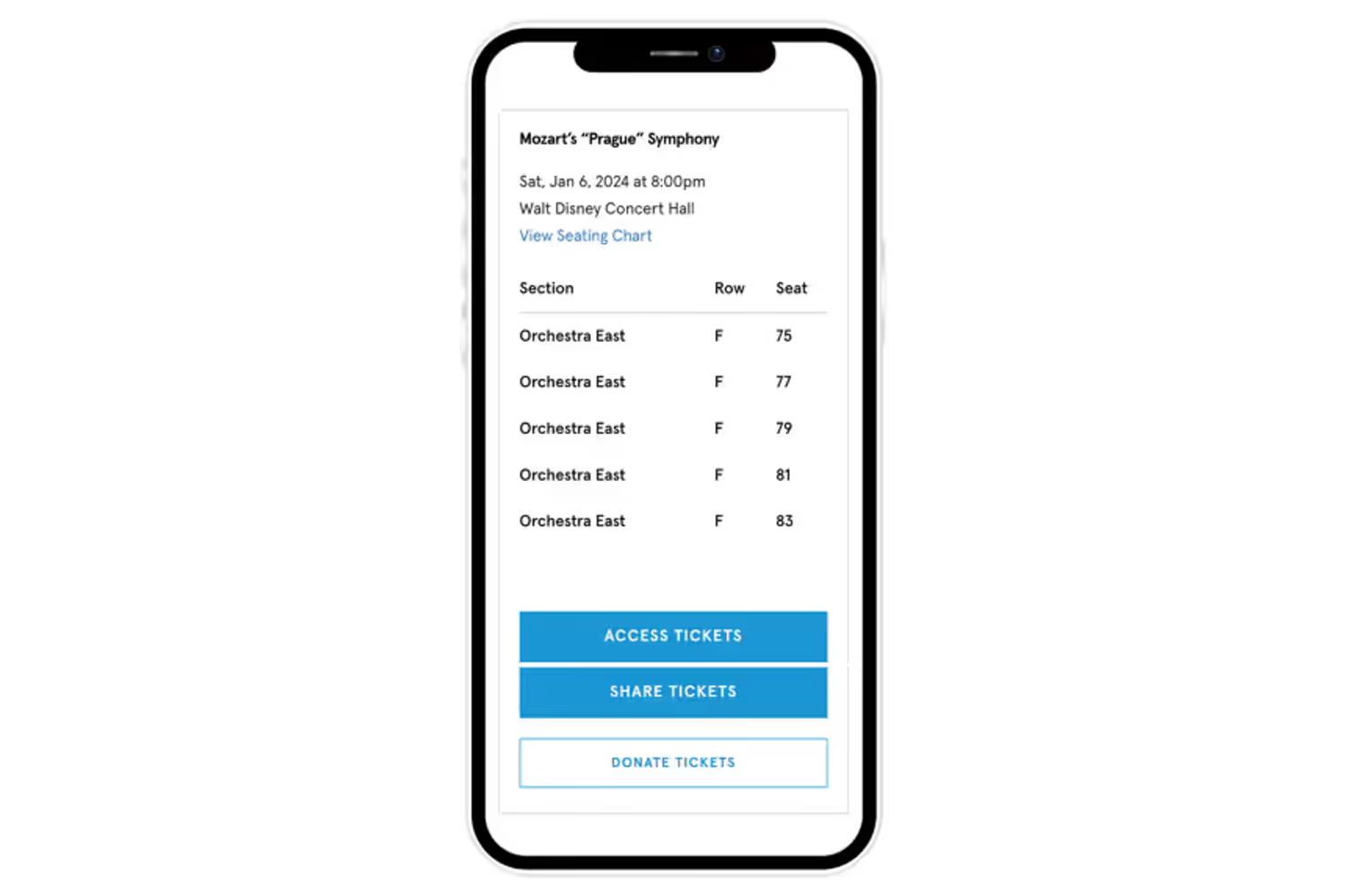
Accessing your tickets on the website
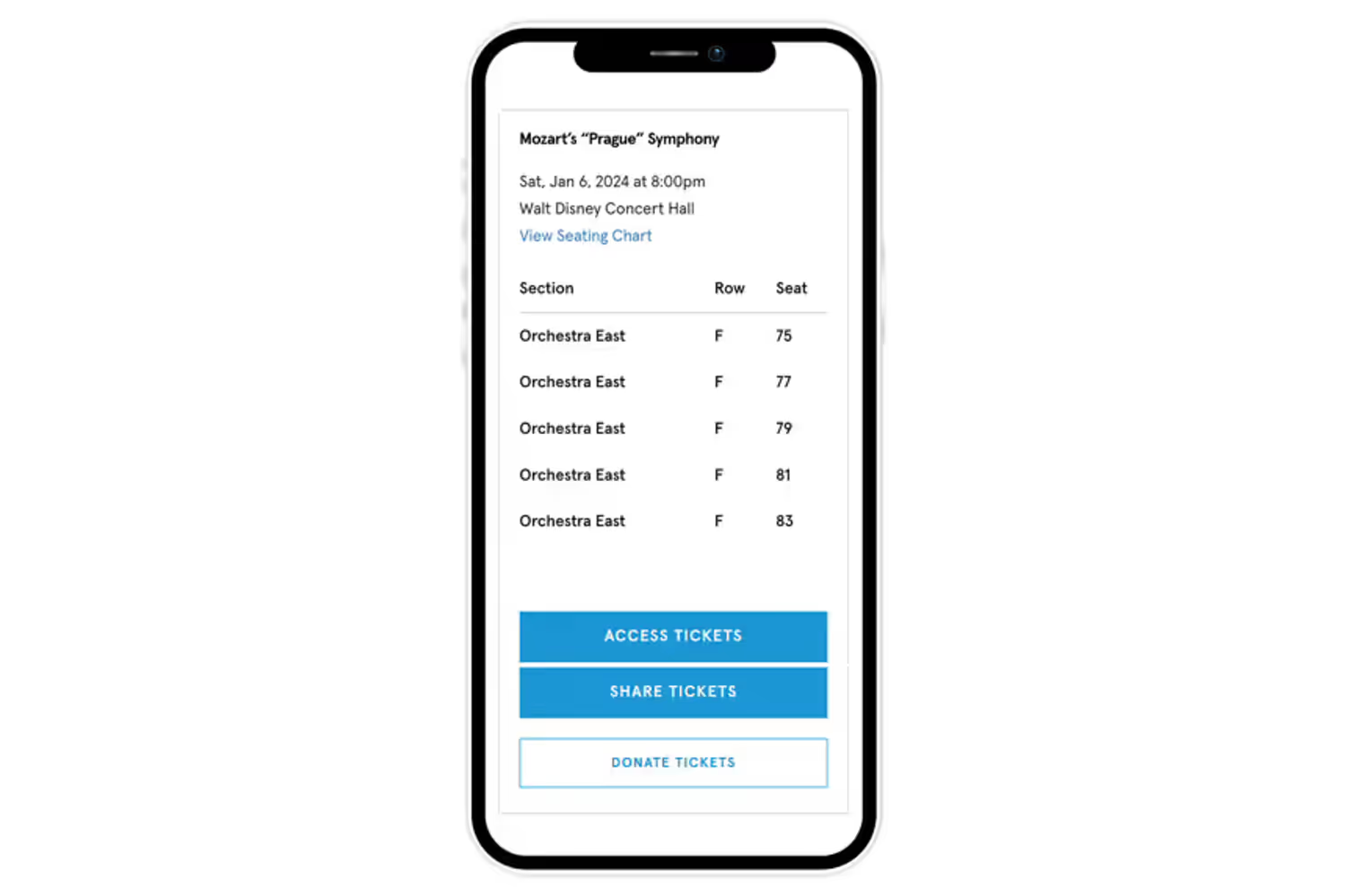
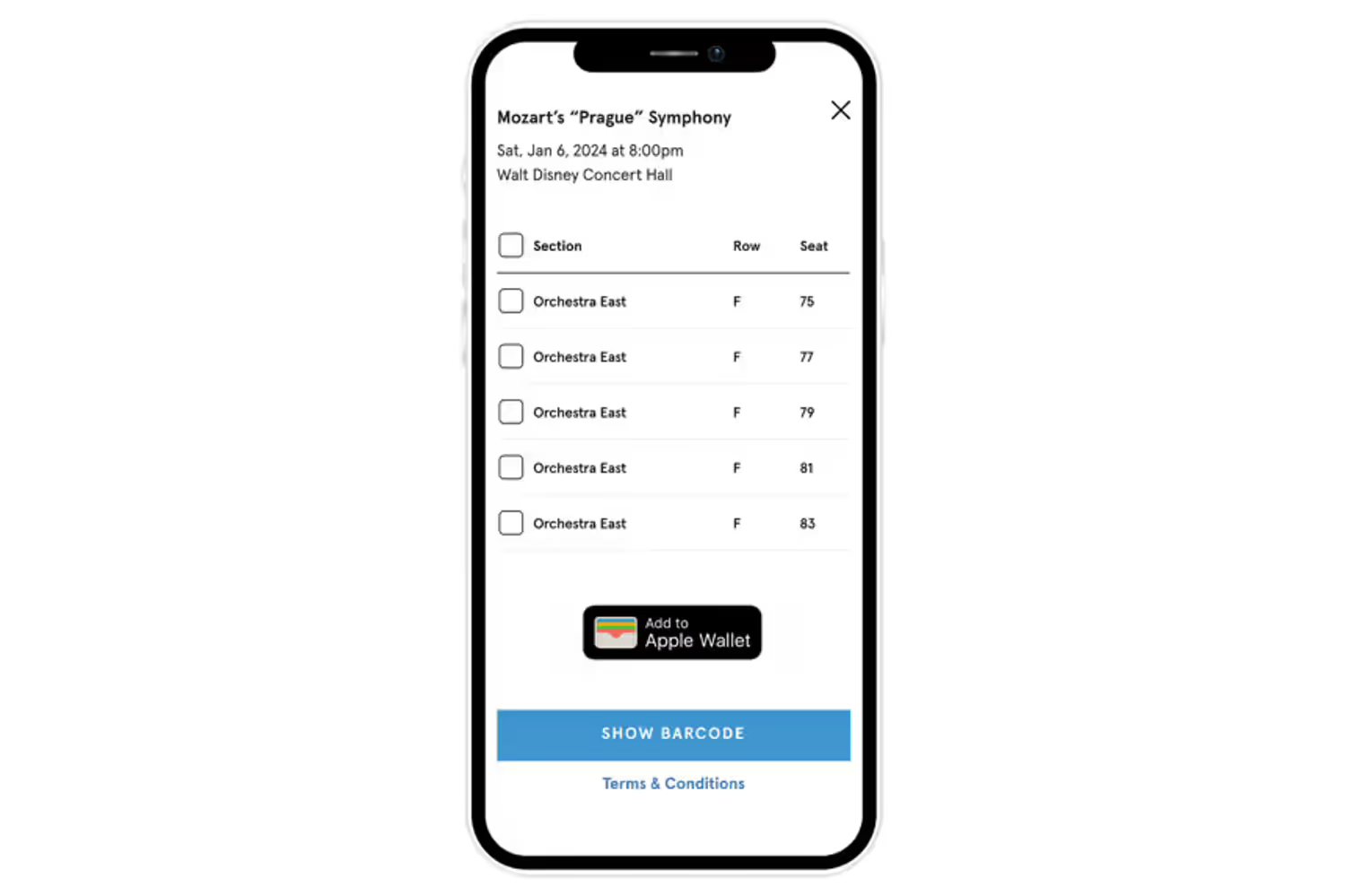
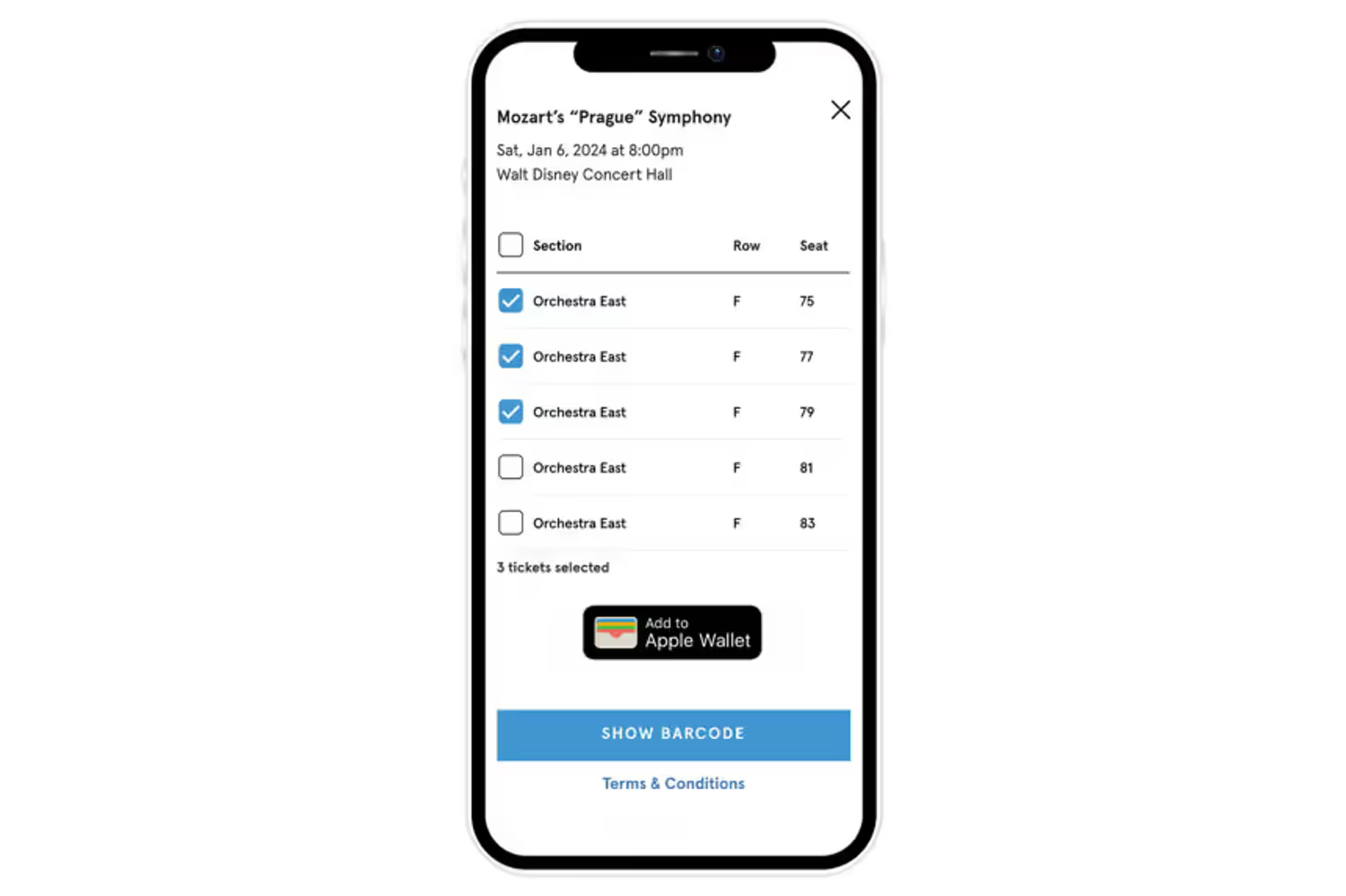
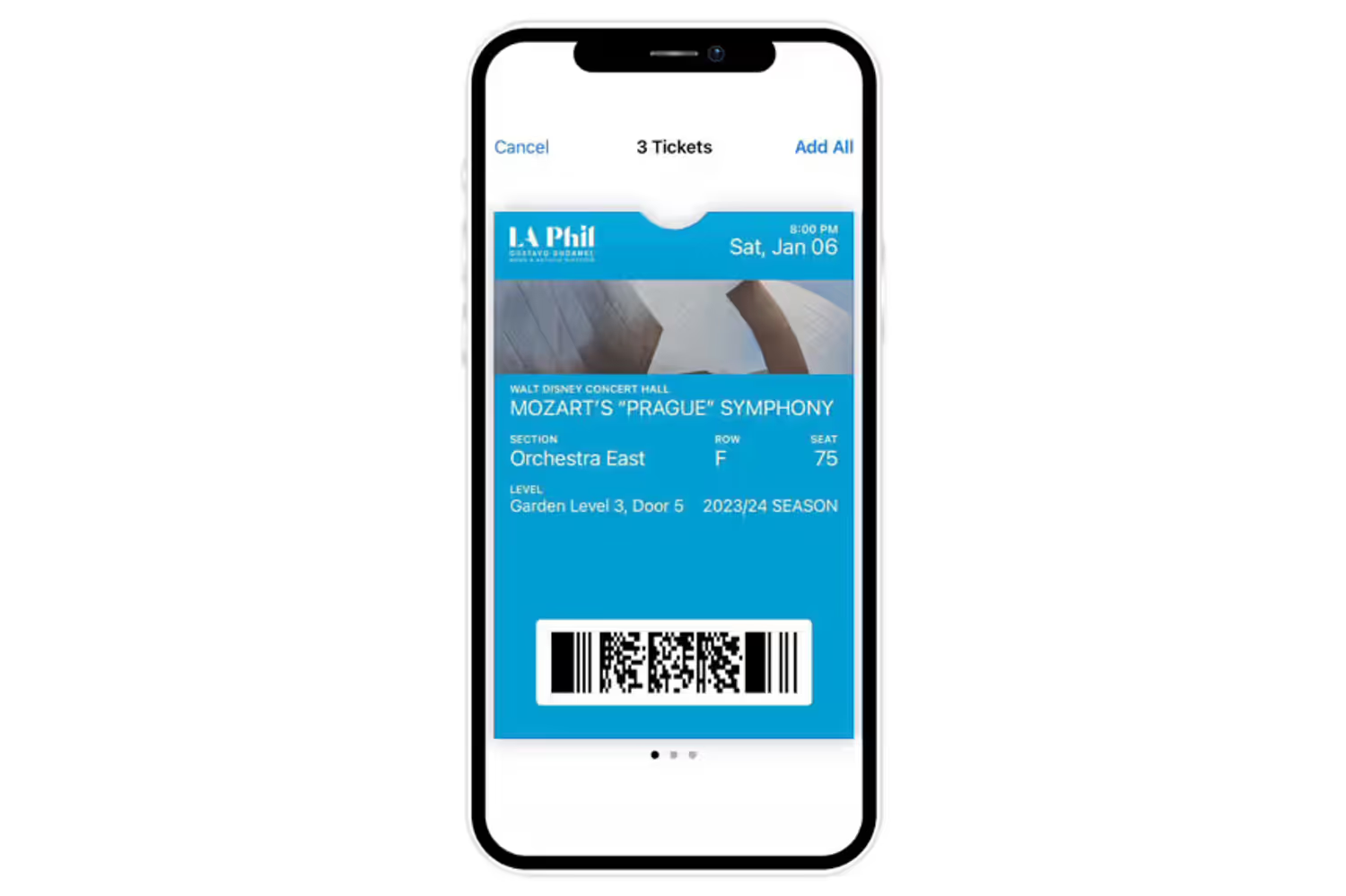
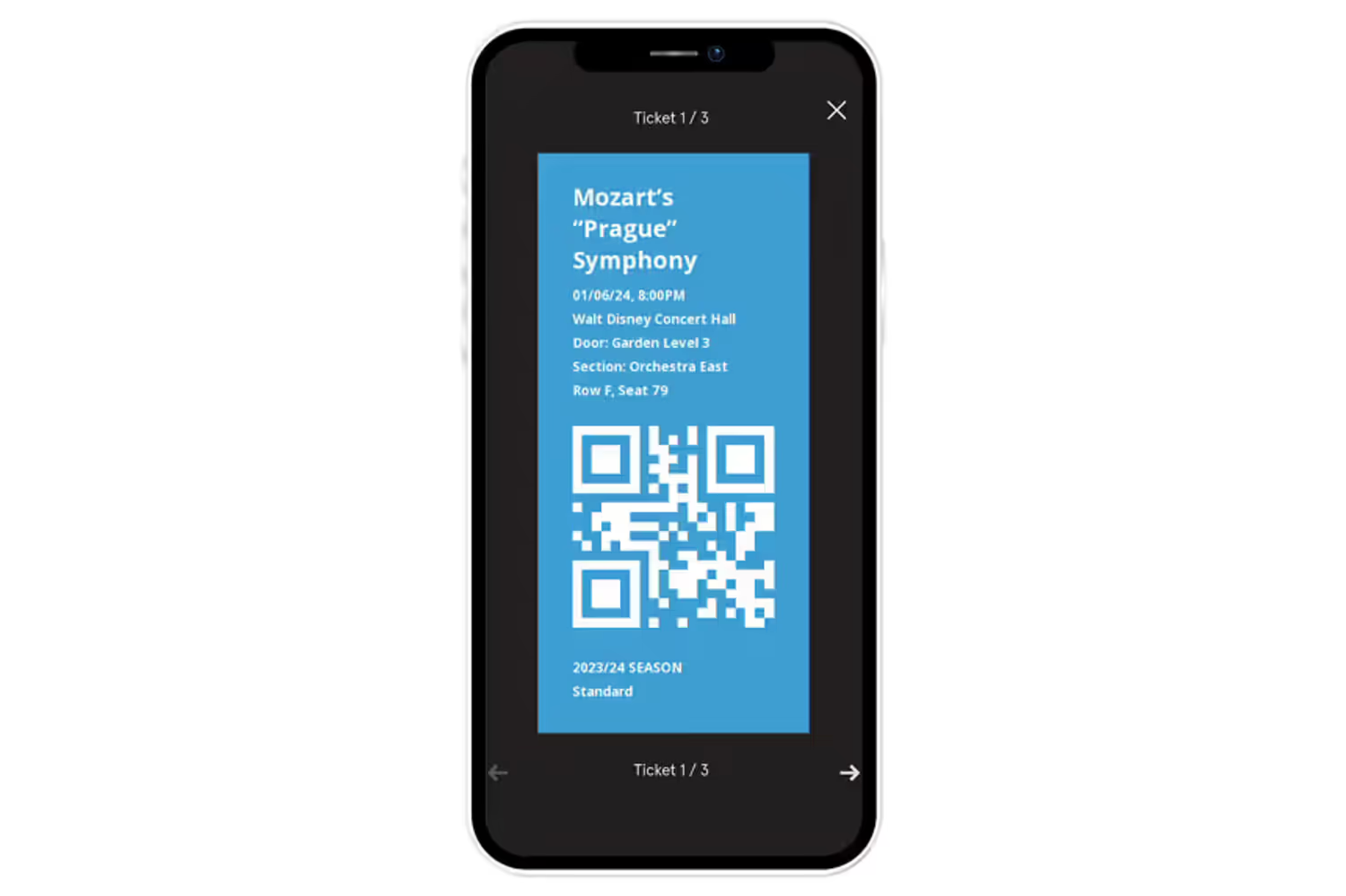
Finding your purchased tickets & adding tickets to Apple/Google Wallet or as QR code
7 Images
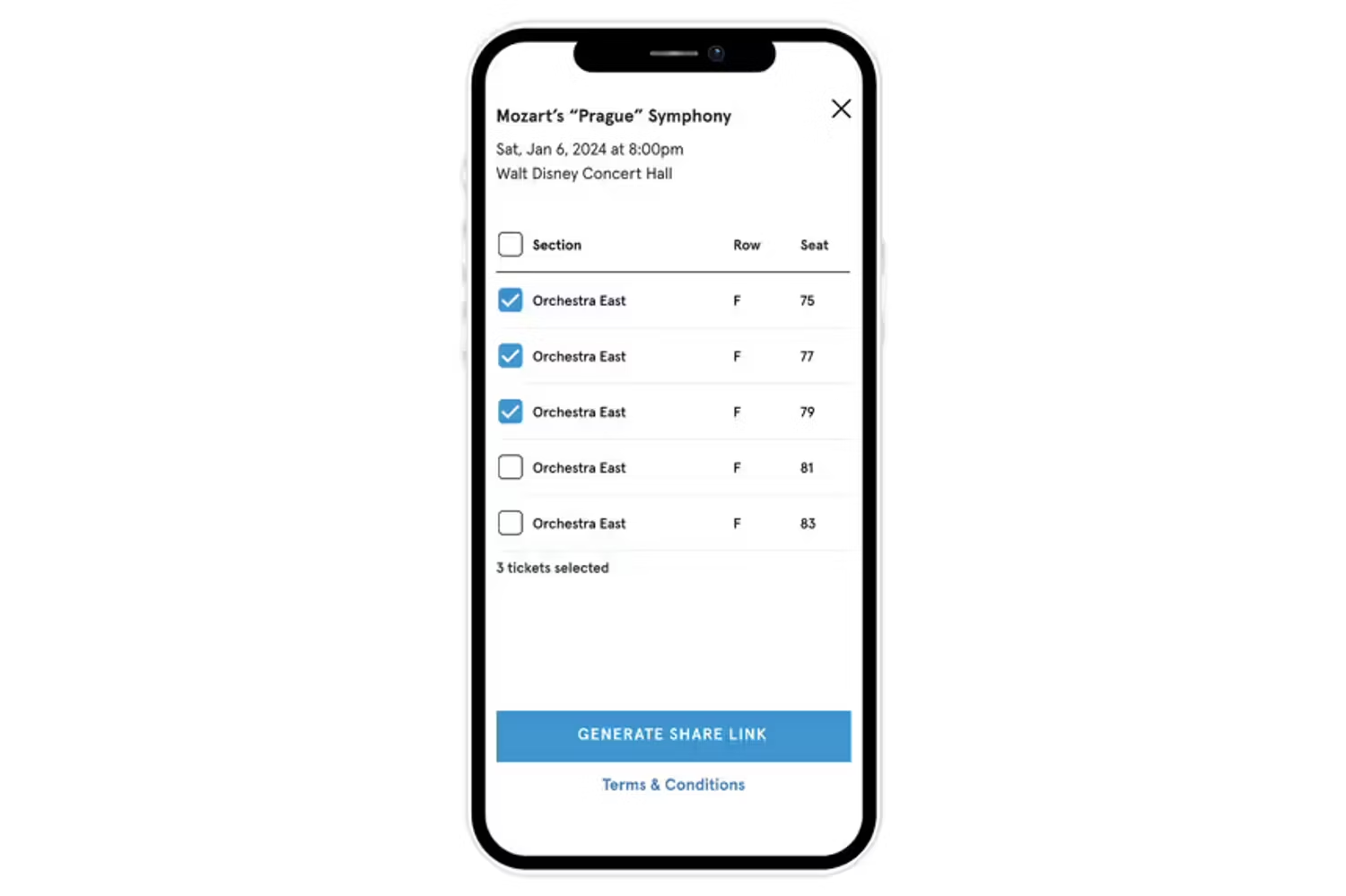
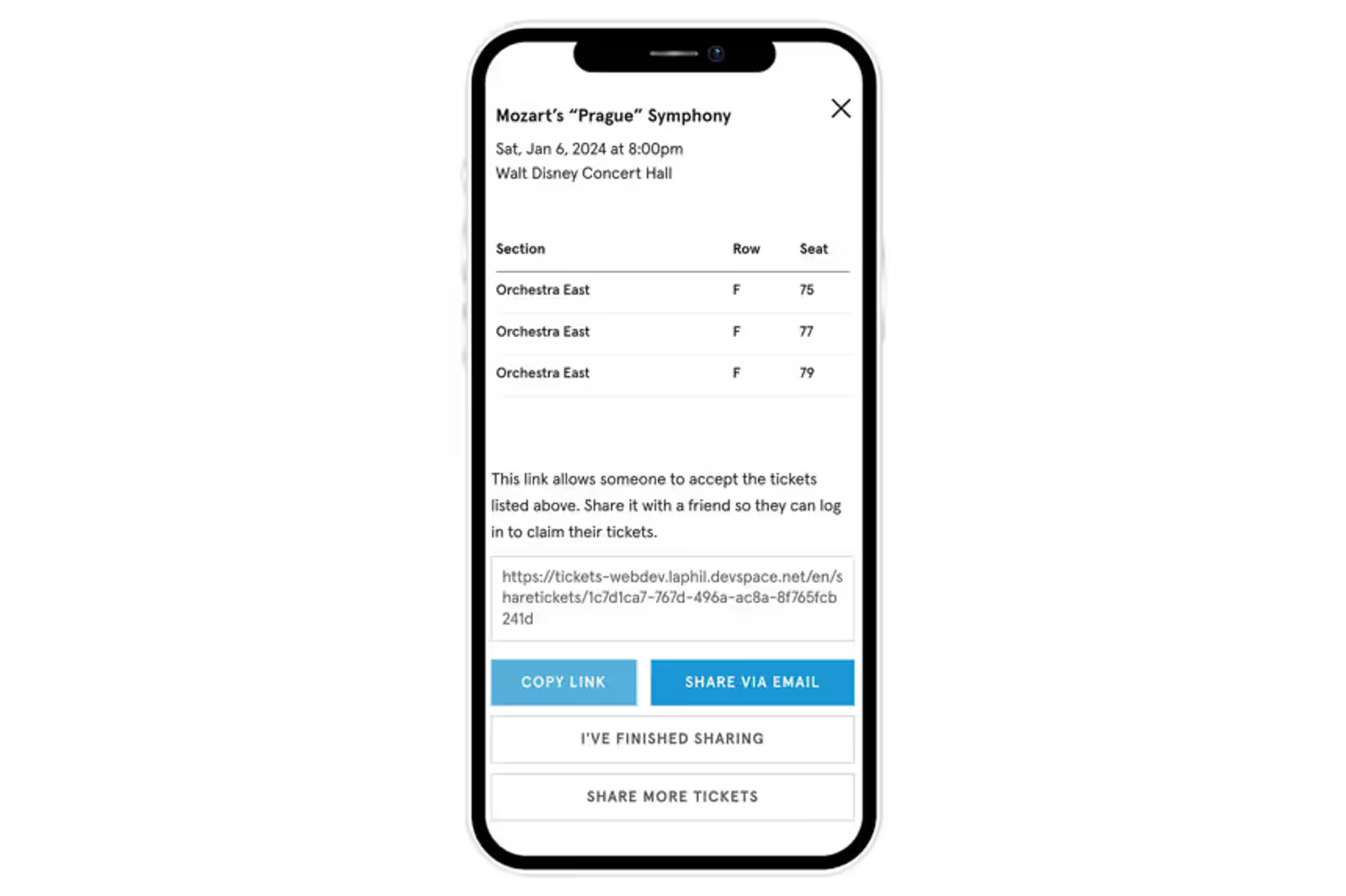
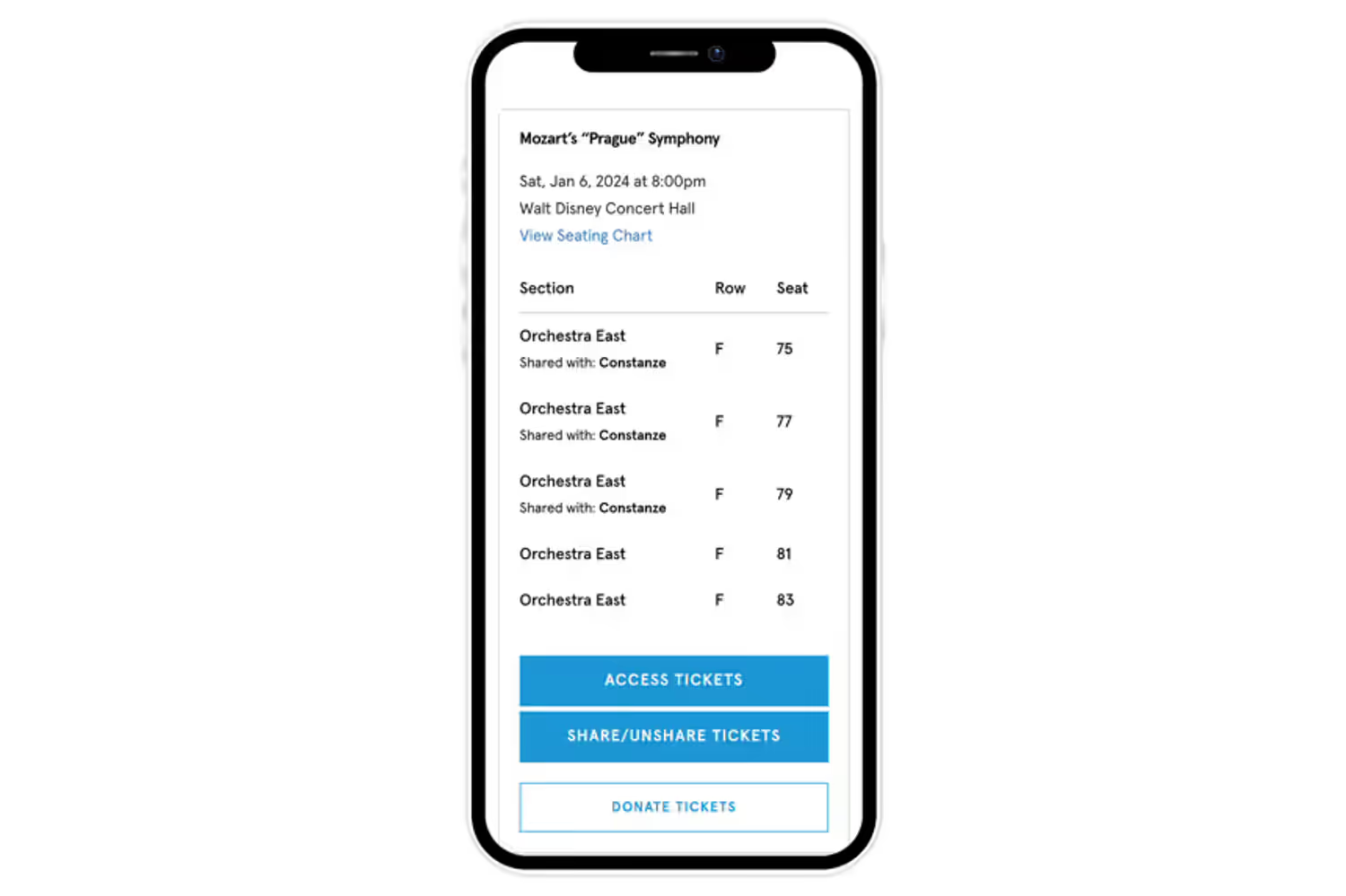
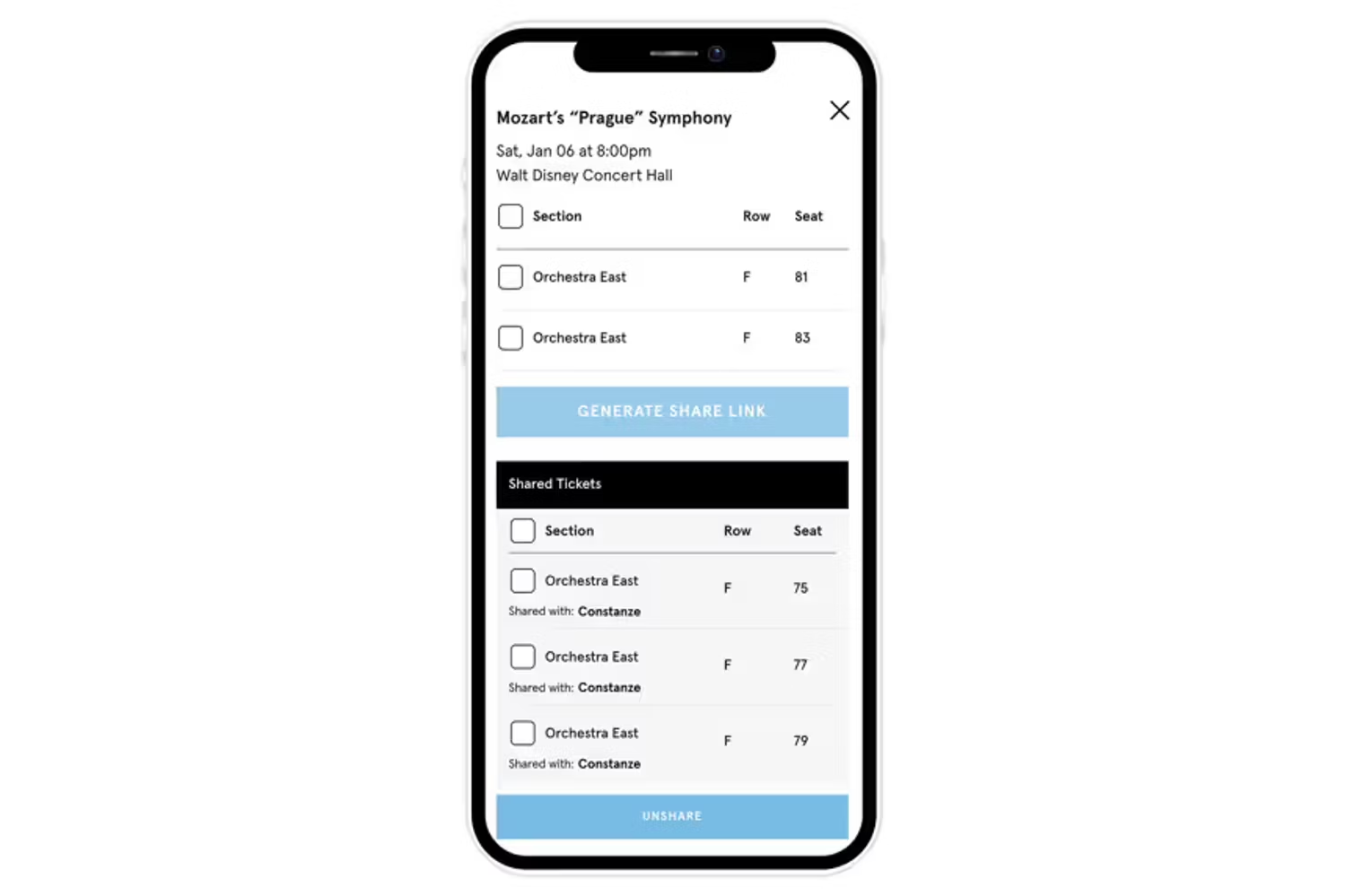
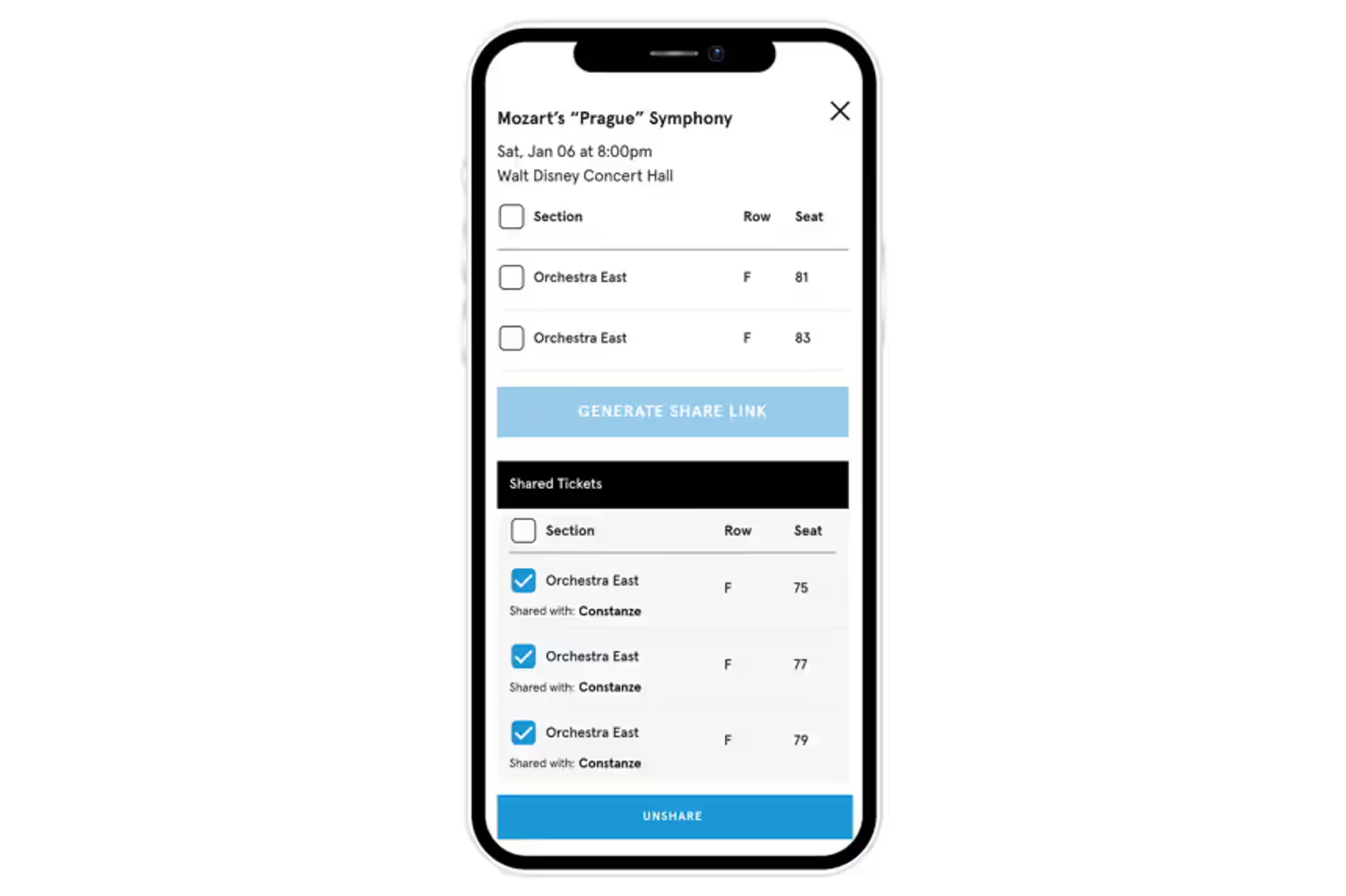
Sharing and unsharing tickets with the website
12 Images
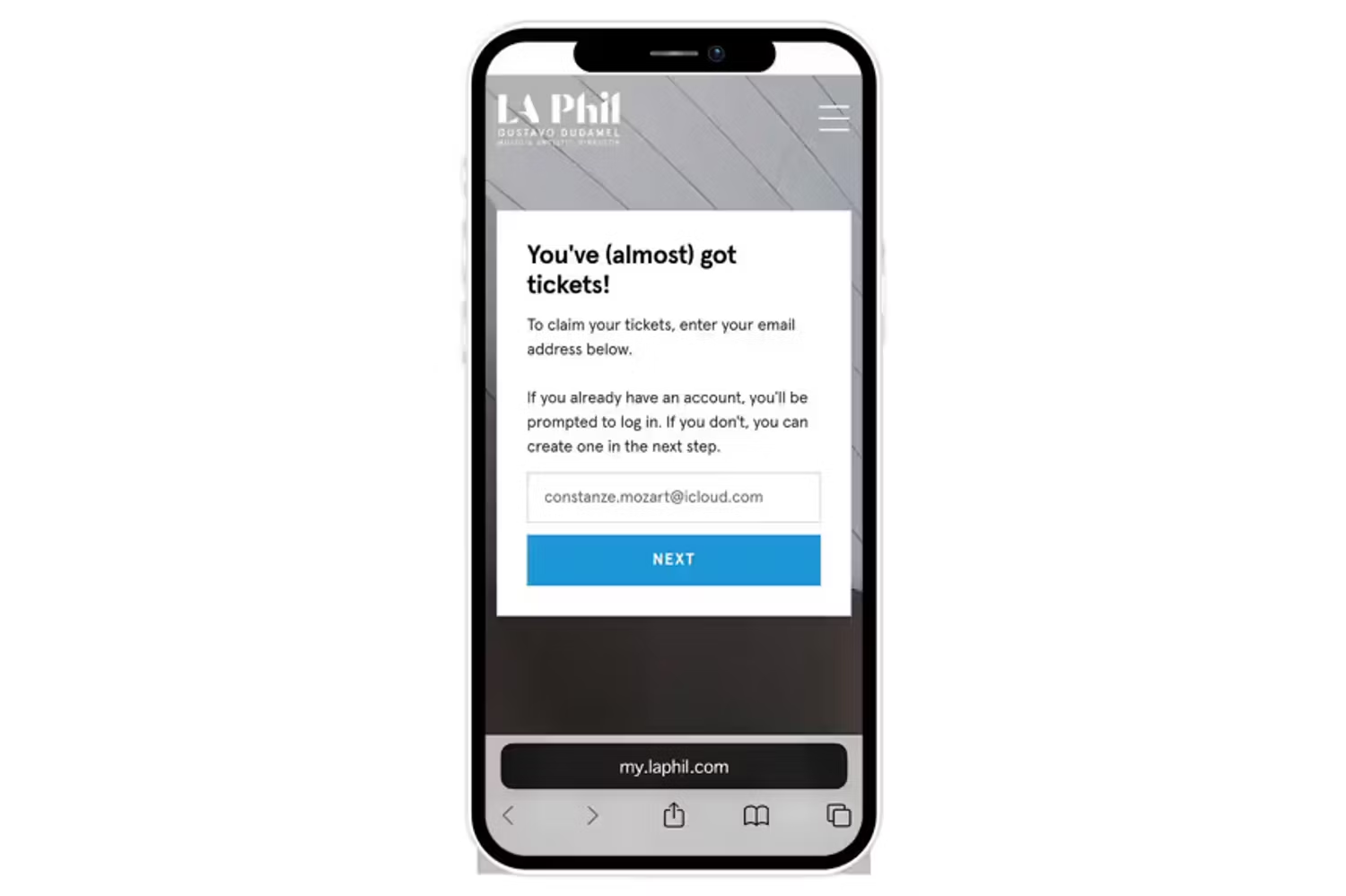
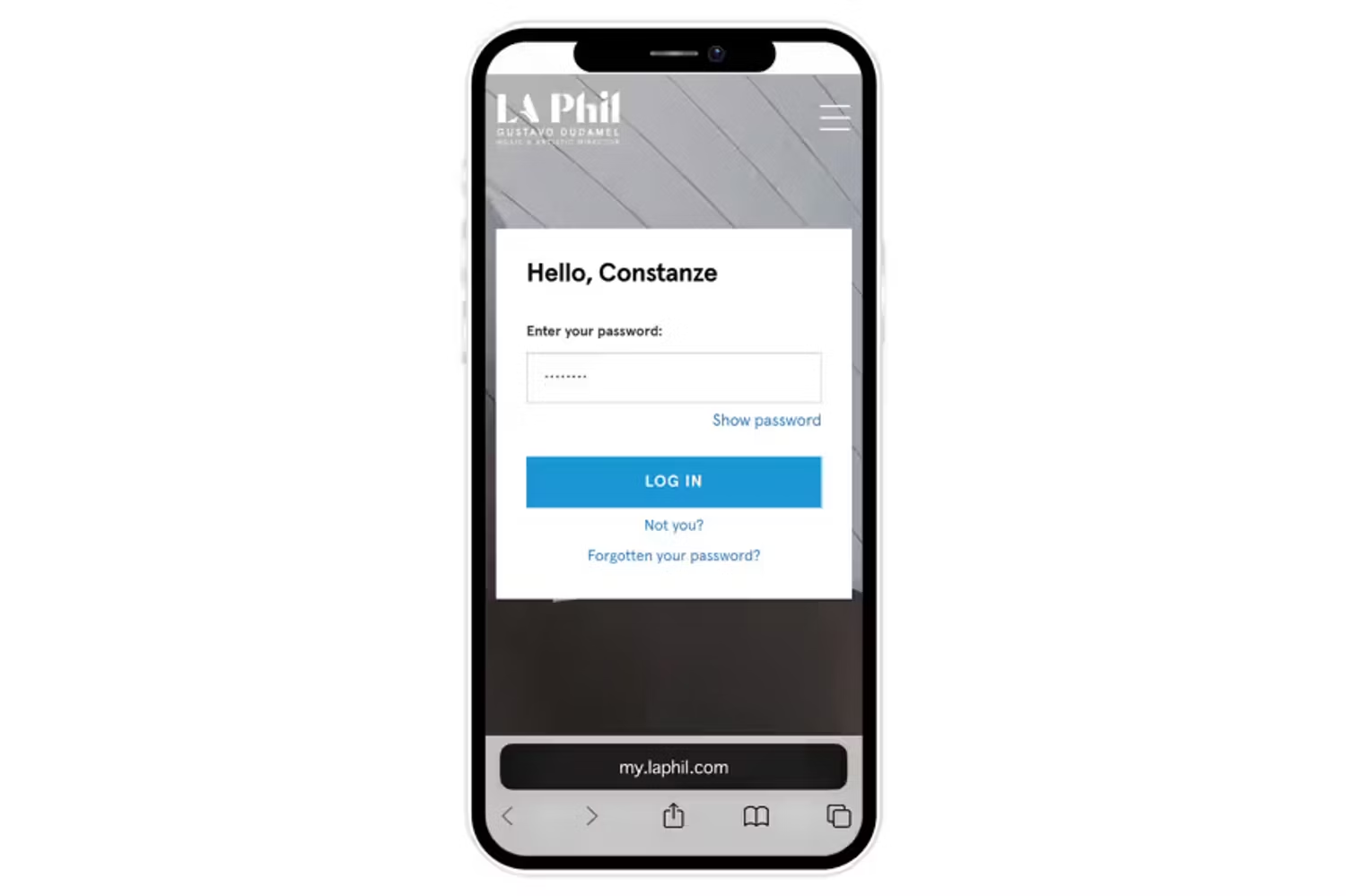
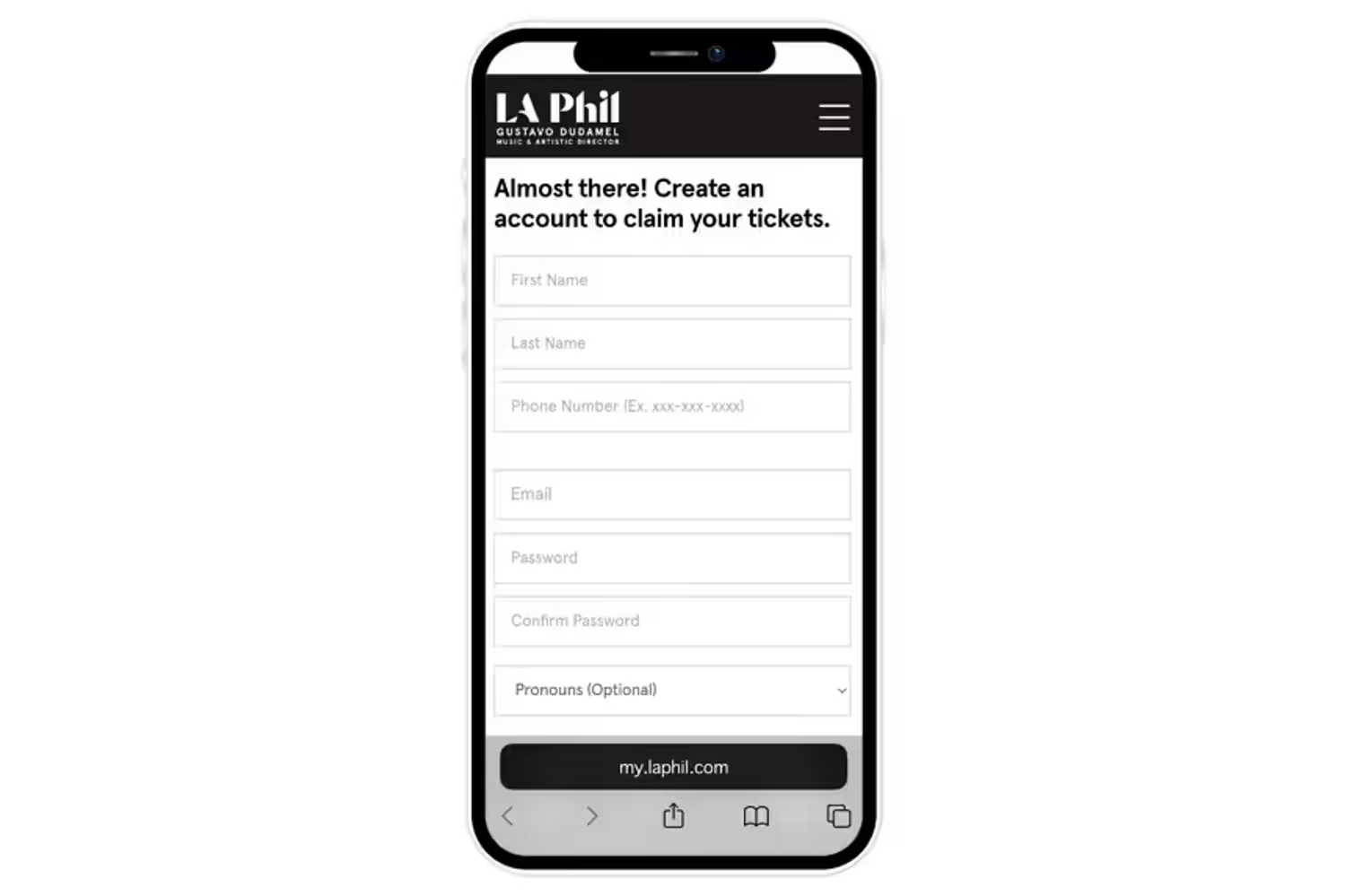
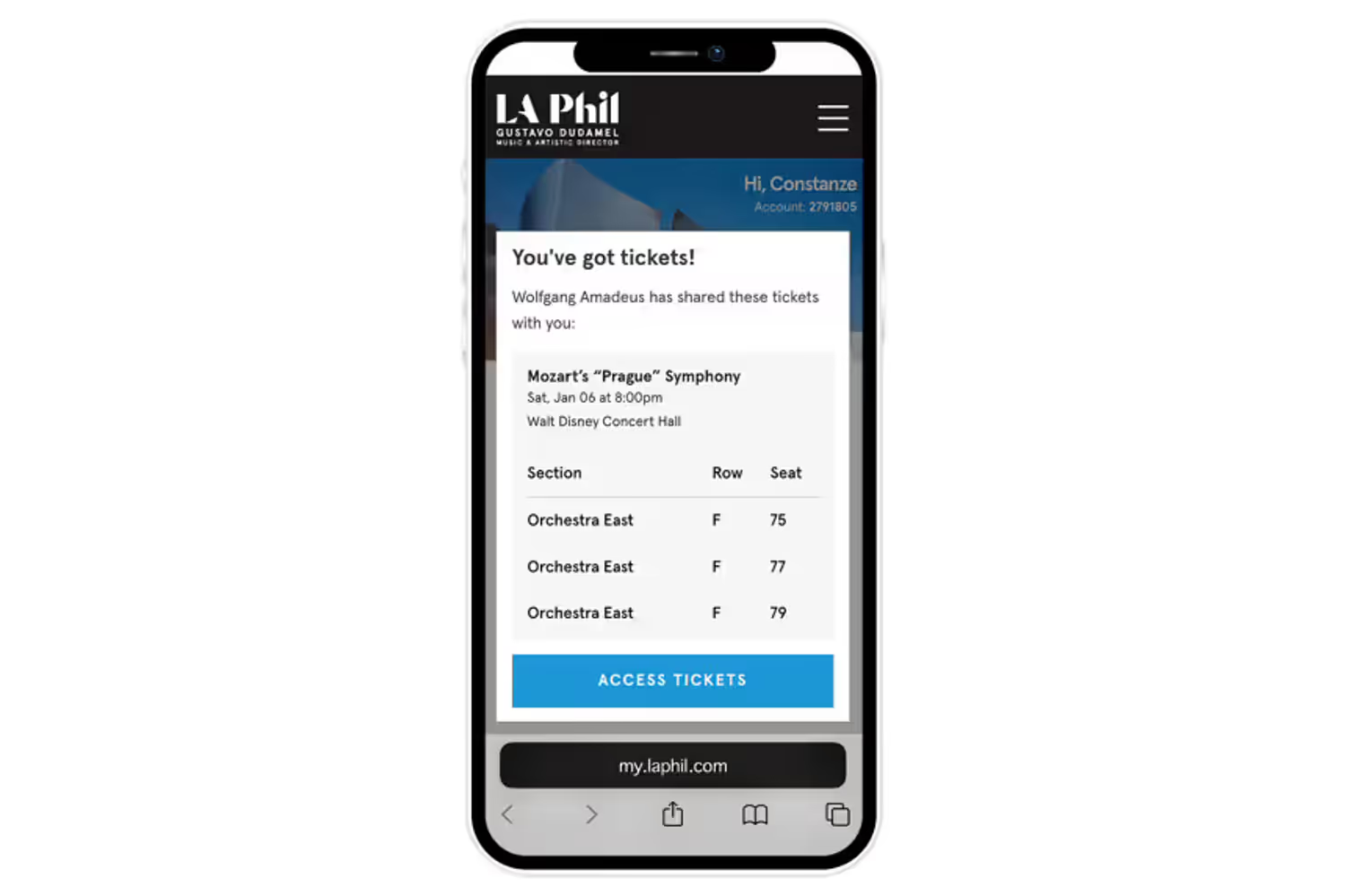
Accepting a ticket shared with you
4 Images